
Integrations Overview
On this page
SunPMS is one of several applications on the SunTatva platform. They share one login (SunAuth) and talk to each other, so a hotel can add a restaurant, a car park, an ID scanner on a tablet or an accounting export without a second database or re-keying data. This chapter lists them and what each needs.
The linked apps
| Integration | What it gives the hotel | Licence | Page |
|---|---|---|---|
| SunPOS restaurant / bar | Charge a restaurant bill to a guest's room; guest room service | POS_INTEGRATION | SunPOS room charges |
| SunHardware | Scan IDs and collect signatures on paired phones and tablets | HARDWARE_INTEGRATION | SunHardware |
| SunParking | Guests' cars, valet, parking booking, parking on the folio | PARKING_INTEGRATION | SunParking |
| Chat with linked apps | Message the car park or the restaurant from the chat window | COMMUNICATION, COMMUNICATION_CROSSAPP | Linked apps and cross-app chat |
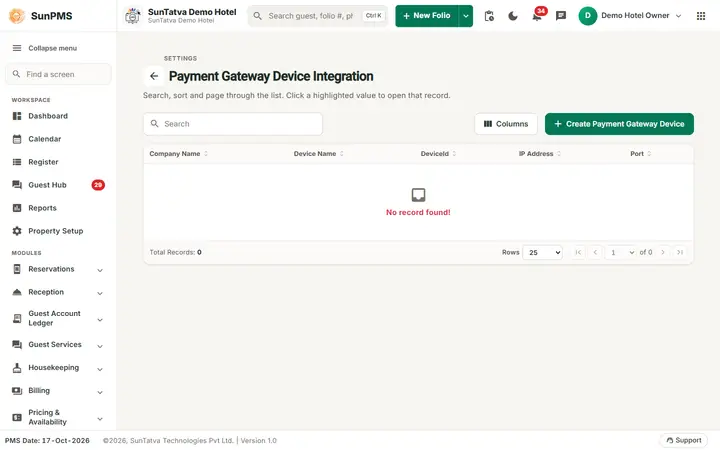
| SunPG payment gateway | Secure card tokens, authorisations, sales, refunds | none (setup per property) | Payment Gateway |
| Card authorisation screens | Bulk charge, hold and release | none | Reservation Authorization, Release Authorization |
| FAS / M3 | Daily accounting export | FAS accounting system chosen in FAS Settings | FAS Integration, M3 Account Integration |
| Channel manager / CRS | Bookings in, availability and rates out | property flagged for CRS | Sync and Channel Manager |
| Guest Portal | Online check-in, chat, requests | ONLINE_CHECKIN, GUEST_MODULE | Guest Services |
| Door lock, scanner, signature pad, WhatsApp, e-mail, webhook | Devices and messaging | WHATSAPP for WhatsApp | Where to configure |
How linking works
- The same owner must own both applications. Only properties of that owner can be linked.
- Create the other property from the SunAuth landing page (for example Sun Hardware > create).
- In SunPMS open the setting (Hardware Setting, Parking Setting, Guest Portal Setting for the restaurant) and choose the property from the list, then Save.
- In SunPOS, the restaurant links back to the hotel in its own Settings (PMS Integration).
- Licences: if the licence is missing the setting page shows a message such as The hardware link needs the SunHardware Integration licence - the property owner can buy it from Settings → Licences. and the related buttons disappear.
Licences in plain words
Licences are bought or requested in Property Setup > Licences (owner). A licence unlocks the PMS side of an integration; the other app has its own licence (for example SunHardware devices and scans). When a licensed feature is missing, check the licence first.
What happens behind the scenes
- Apps trust the same login: when the PMS calls another app it asks SunAuth for a short-lived token that is valid only for the same owner.
- Data stays in each app's own database. The PMS keeps only references (for example the invoice number of a restaurant bill, the name of a stored signature image).
- Postings from other apps carry an invoice number so repeats update rather than duplicate.
Tips and FAQ
- Q: Why is a list of properties empty when linking? A: The other property does not exist for this owner. Create it on the landing page.
- Q: Which integrations need a licence? A: SunPOS, SunHardware, SunParking, WhatsApp, Guest Portal; see the table.
- Q: Who sees the Integrations menu? A: Users whose role allows property settings.
Connecting the apps (one step)
All integration pages (SunPMS Parking Setting and Hardware Setting, SunParking Setup Integrations, SunPOS Settings PMS Integration and Parking, SunHardware Settings) show the same: the status chip Connected / Not connected / Needs attention, the owner's own groups and properties by name, a single candidate pre-selected, and one button that saves both sides and tests the connection. See the how-to "Connect SunPMS with SunParking, SunPOS and SunHardware".