Guest Reports
On this page
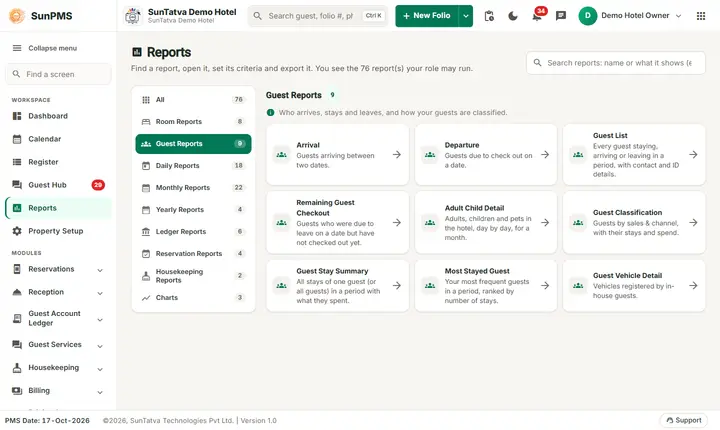
Nine reports about who is arriving, staying and leaving. Open them from Reports > Guest Reports. Common behaviour is in 00-overview.
Before you start
You need the privilege for each report. "Guest" and "Room" in headings follow your property's naming.
Arrival
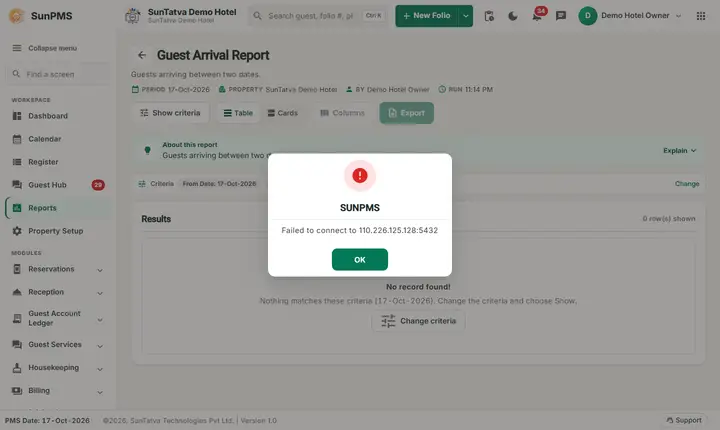
Screen title: Guest Arrival Report. Purpose: everyone due to arrive (reservations) or already arrived in a date range.
- Filters: From Date, To Date (check-in date).
- Columns: Room, Folio No, Arrival Time, Date Out, Guest Name, # Of Guest (adults/children/pets), Address (city, state), Source (sales & channel category and name), Rate, Total Charges, Payments, Status, Remark. Grouped by Date In. Sortable.
- Calculation: Rate = first-night rate. Total Charges = stay rent + occupancy tax + other charges + sales tax - discount. Excludes cancelled and transferred-out folios.
- Answers: "Who arrives tomorrow and has not paid?"
Departure
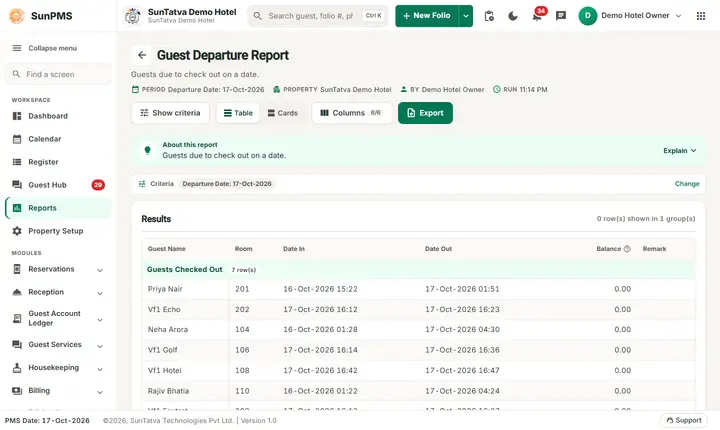
Screen title: Guest Departure Report. Filters:Departure Date (single date), Include Reservation tick. Groups: "Guests To Check Out" and "Guests Checked Out". Columns: Guest Name, Room, Date In, Date Out, Balance, Remark. A name starting with * is a reservation that has not checked in (only shown with Include Reservation). Sortable. Excludes cancelled/transferred folios.
Guest List
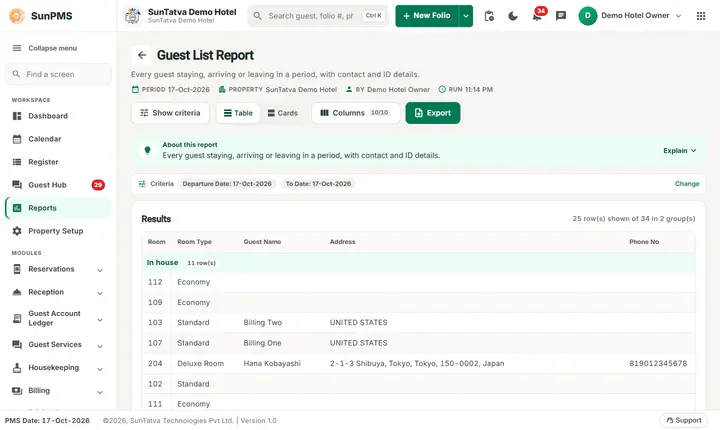
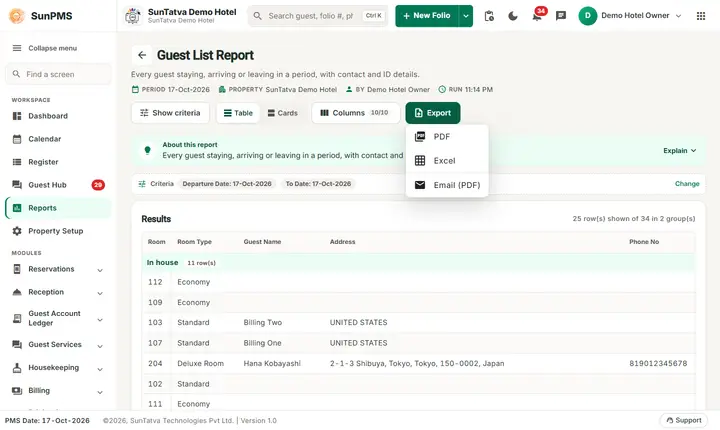
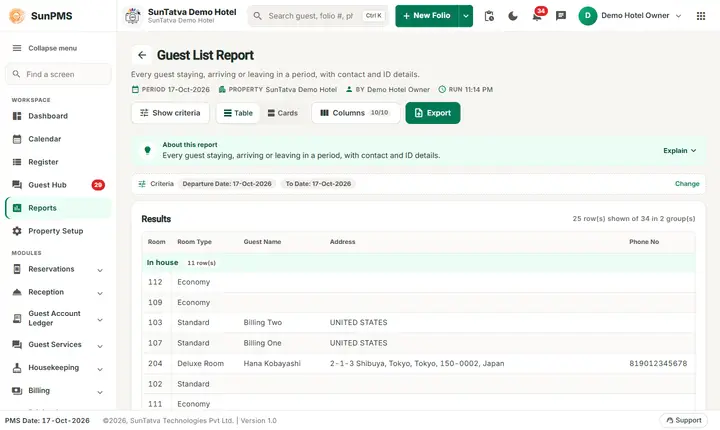
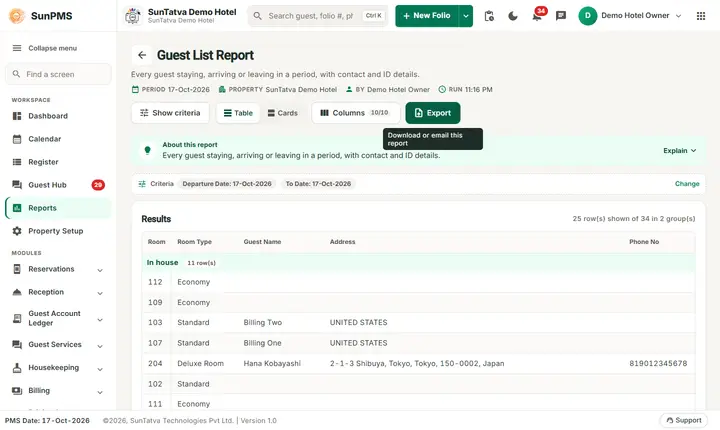
Screen title: Guest List Report. Purpose: checked-in guests whose stay touches the date range, with ID and card info.
- Filters: From Date, To Date.
- Columns: Room, Room Type, Guest Name, Address, Phone No, Email, Birth Date, Nationality, ID Detail, CC Detail. Grouped by folio status. Paged (Rows, Total Records).
- Stays count if check-in or check-out falls in the range, or the guest stays beyond it. Only the primary guest is listed unless you switch on Display Shared Guest in the report criteria (the switch is shown on the Guest List since 2026-10-18; before that it was in the code but never displayed).
- Privacy: contains ID and card details; limit the privilege.
Remaining Guest Checkout
Filters: one date (From Date). Purpose: guests due out on that date who have not checked out yet. Columns: Building, Floor, Guest, Room Type, Room, Date In, Date Out, Balance. Use it for the late-checkout chase.
Adult Child Detail
Filters:From Month and Year. Purpose: headcount per day. Columns: Date, Adults, Children, Pets, Occupied Room. Counts rates posted per night (adjustments excluded) for confirmed/unconfirmed stays. The year list covers the current year and ten before.
Guest Classification
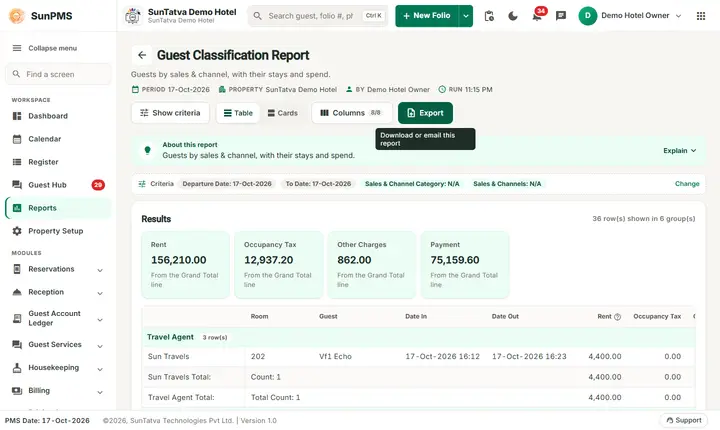
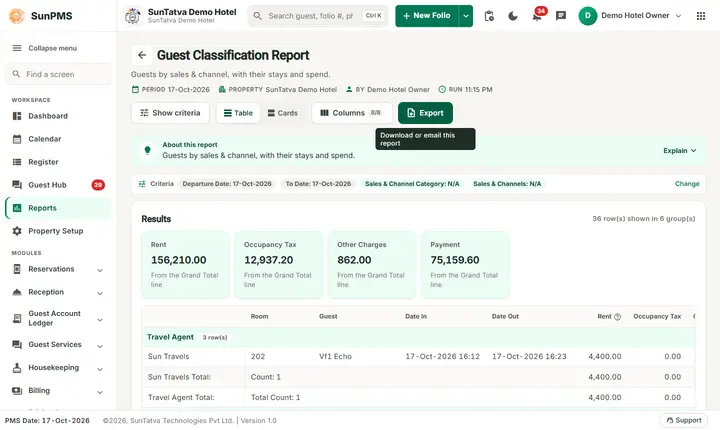
Filters: From Date, To Date, Sales & Channel Category, Sales & Channels (choose a category first; N/A = all), Include Reservation. Columns: a first unlabeled column with the source name, Room, Guest, Date In, Date Out, Rent, occupancy tax, other-charge tax, Payment. Grouped by source. Use it to see who came through which channel. (India properties also have a detailed variant, "Guest Classification Detail", with GSTIN, company, state, mobile, pax, rate plan; it is not in the default menu.)
Guest Stay Summary
Filters: From Date, To Date, guest name (type to search; first entry = All). Columns: Room, Date, Rent, occupancy tax, Other Charges, other-charge tax, Cash, Check, Card, Deposit, Other, Sales & Channel. Grouped by guest. Only checked-in stays (confirmed or unconfirmed) are listed: with no guest chosen, one line per stay (the primary guest) with the totals of the whole stay (not per night); with a guest chosen, every stay of that guest, also as a shared guest. See Guest Stay Summary.
Guest Vehicle Detail
Filters: one date. Purpose: vehicles registered by in-house guests on that date (stays covering the date). Columns: Guest Name, Room, Date In, Date Out, Vehical Make, Model, Year, Color, License, State, Remark. Useful for parking control.
Most Stayed Guest
Filters: From Date (default 1 January of the PMS year), To Date (default the PMS date). Columns: Rank, Guest Name, Phone, Email, City, Country, Stays, Nights, First Arrival, Last Arrival, Amount. Guests are ranked by the number of checked-in stays that arrived in the period, then nights, then amount; the last line is the Total. Every guest on a shared folio gets the stay; the amount is counted only for the primary guest. Use it to find repeat and loyal guests. See Most Stayed Guest.
Messages you may see
No record found!; for Guest Stay Summary the guest list loads first, so allow a moment.
Tips and FAQ
- Q: Arrival shows a guest as cancelled? A: It does not; cancelled and transferred folios are excluded. Check Reservation Detail.
- Q: Arrival Total Charges differs from the folio. A: It is stay-total at the time of the report, minus discounts; later charges are not included until posted.
- Q: Departure total does not equal Remaining Guest Checkout. A: Remaining lists only those not yet checked out and only checked-in folios; Departure can include reservations and checked-out guests.
One page per report
Each guest report has its own page with filters, columns, an example from the demo hotel, export notes and troubleshooting:
- Arrival
- Departure
- Guest List
- Remaining Guest Checkout
- Adult Child Detail
- Guest Classification
- Guest Stay Summary (includes cancelled and no-show stays, see the page)
- Most Stayed Guest
- Guest Vehicle Detail
Screenshots