Shift Details, Shift End and Payment Denomination
On this page
When shifts are enabled, each desk user starts a shift after login and ends it when signing out. All payments, refunds and extra income/expense are recorded against the user's shift so the cashier can be reconciled.
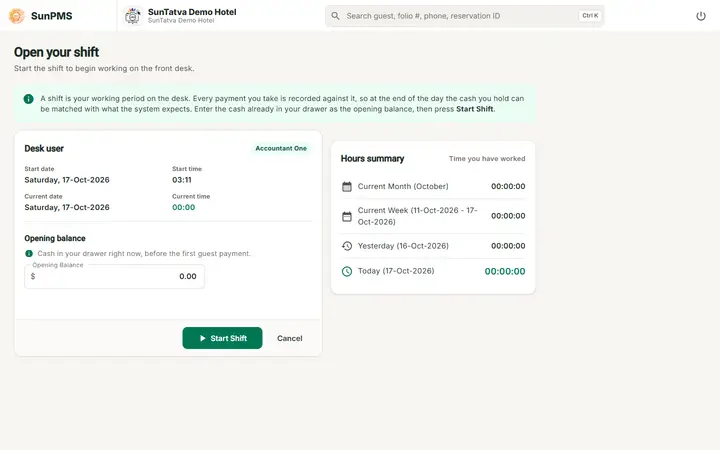
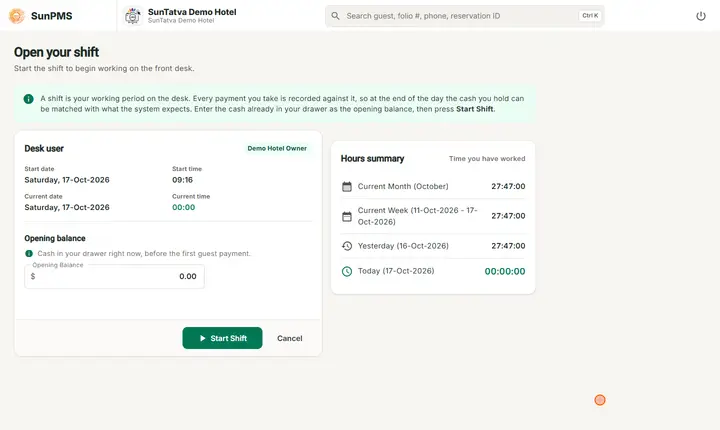
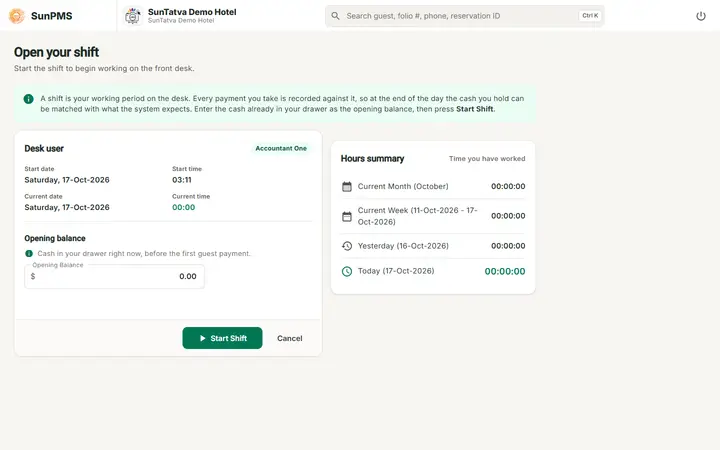
Start a shift (page Shift Details)
If the user has no open shift, any page redirects here.
| Item | Meaning |
|---|---|
| Hours Summary | Hours worked: Current Month, Current Week, Yesterday, Today. |
| Desk User | Your name. |
| Start Date / Start Time / Current Date / Current Time | Read only. |
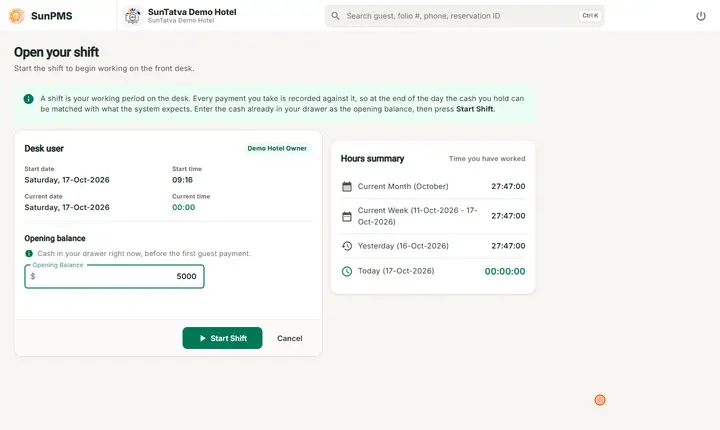
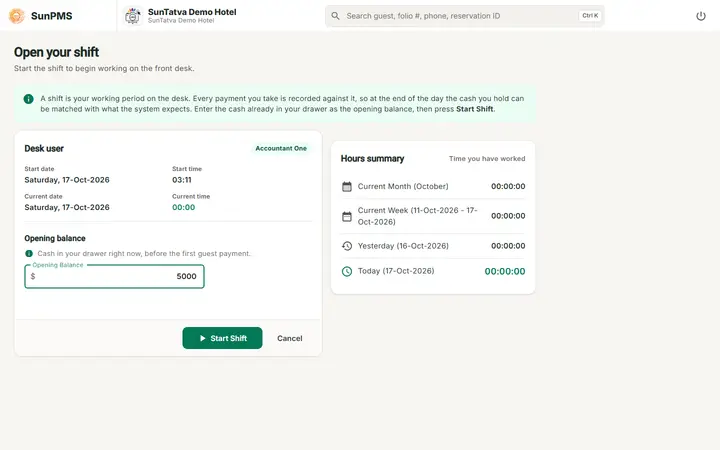
| Opening Balance | Cash in the drawer at start; two decimals, default 0.00. |
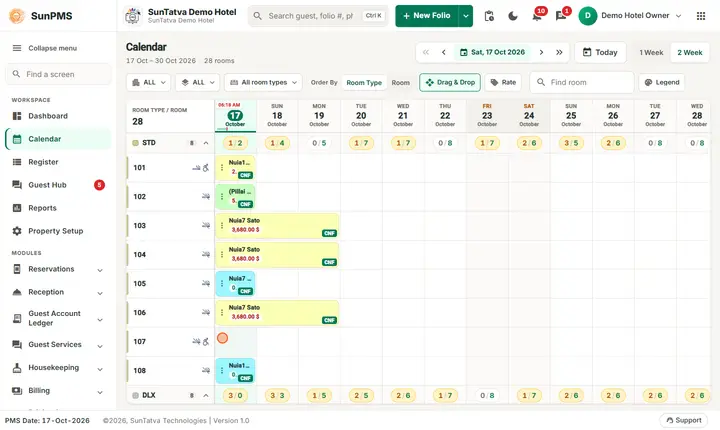
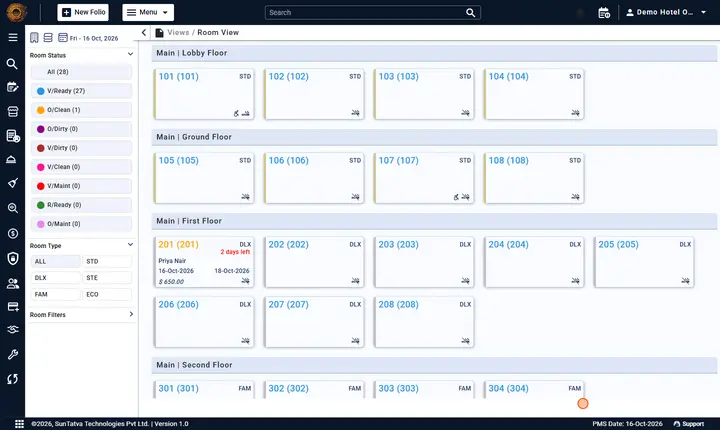
| Start Shift | Creates the shift and opens your last view (Dashboard or Calendar). |
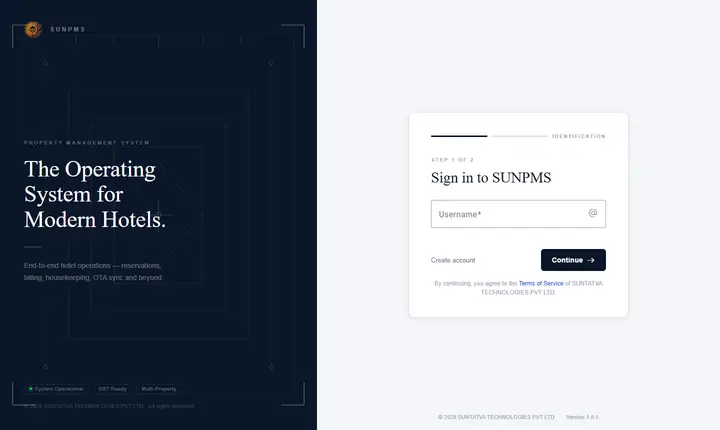
| Cancel | Clears the session and returns to the landing page. |
End a shift (dialog "Shift Details" on sign out)
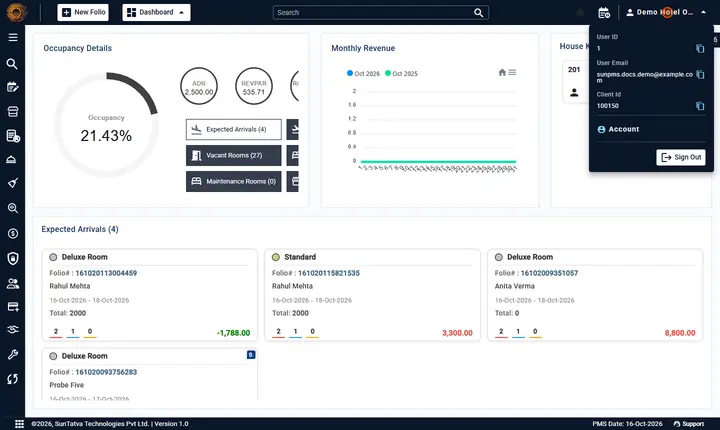
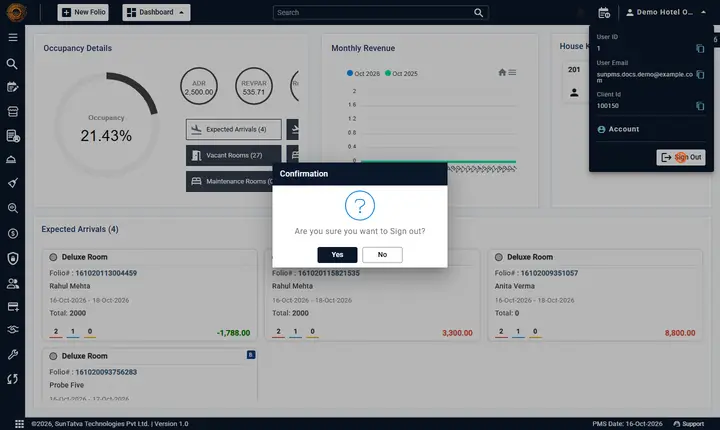
- Click your name > Sign out and answer Yes to "Are you sure you want to Sign out?".
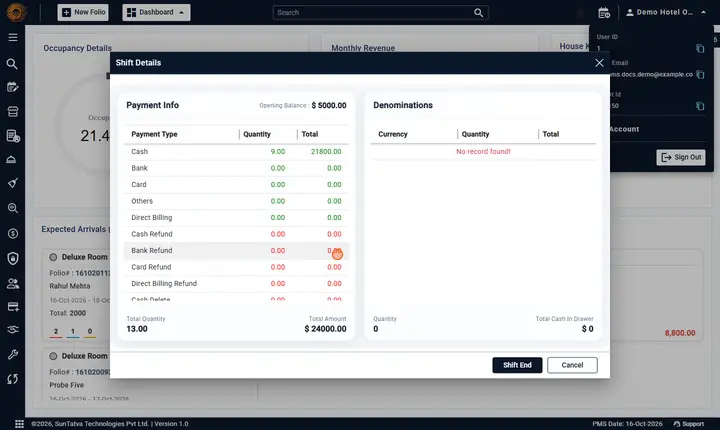
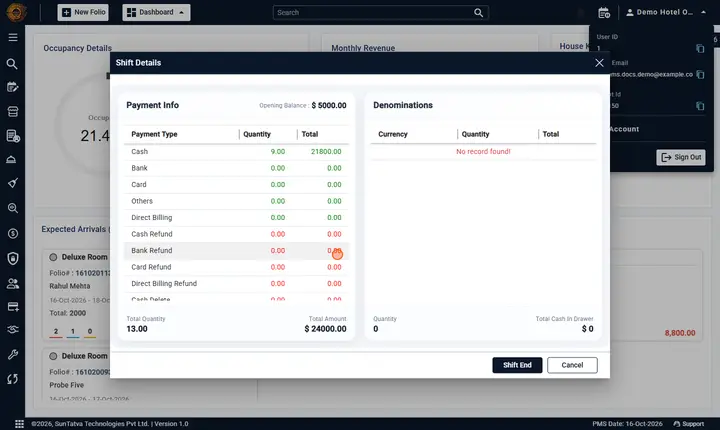
- The dialog shows Payment Info: Opening Balance and rows Payment Type, Quantity, Total for Cash, Bank, Card, Others, Direct Billing, their Refund and Delete rows, Miscellaneous Income and Miscellaneous Expense. Totals: Total Quantity and Total Amount (cash in minus refunds and expense plus income).
- In Denominations click a Quantity and type how many notes/coins of each value you counted. Total Cash In Drawer is calculated (turns red once edited).
- Click Shift End to close the shift and sign out, or Cancel (also signs you out without closing).
If shifts are disabled the user signs out directly.
Payment Denomination dialog
When "Display change screen on cash payment" is on, saving a cash payment opens Denomination: type Amount Paid (or click +100, +50, +20, +10, +5, +2, +1, +0.5, +0.25, +0.10, +0.05, +0.01 to add), Invoice Amount is read only and Change shows the amount to give back (red if negative). Click OK.
For the full description of the two end-of-shift windows see Shift End Details and Payment Denomination.
Messages you may see
| Message (exact text) | Why it appears | What to do |
|---|---|---|
| Are you sure you want to Sign out? | You chose Sign Out. | Yes to continue to the shift-end window. |
| (server error text) | Starting or ending the shift failed (for example the shift is already closed). | Read the text; log in again and retry. |
| No record found! | The Shift Details window has no payments for the shift. | Normal for an empty shift. |
Tips and FAQ
- Q: Why am I sent to the Shift Details page after login? A: Shift Operation is on and you have no open shift; enter the Opening Balance and click Start Shift (Feature Setting).
- Q: I closed the browser without ending the shift. A: The shift stays open; next login continues it.
- Q: Can another user end my shift? A: No; each user ends their own shift at sign-out.
- Q: The change window did not open after a cash payment. A: Check Display Change Screen On Cash Payment in Display Setting.
Screenshots