Parking Setting
On this page
Links the hotel to a SunParking car park of the same owner so guests' cars, valet requests and parking charges are visible and billable from the PMS.
Before you start
- Licence: SunParking Integration (
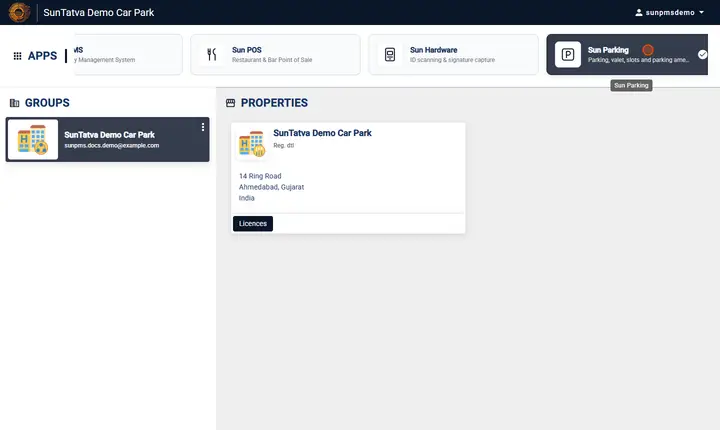
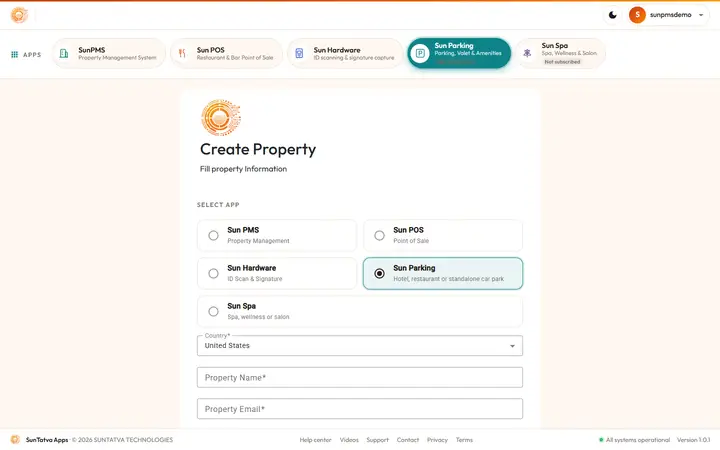
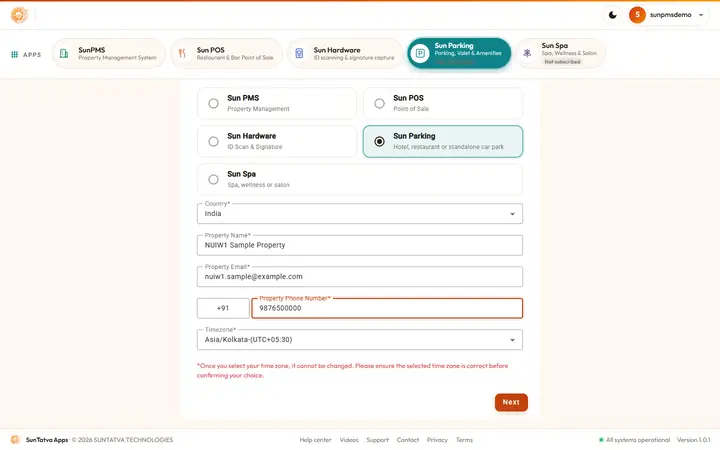
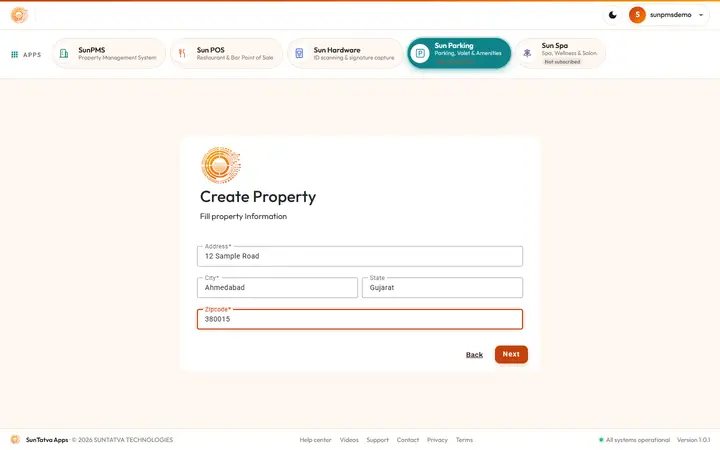
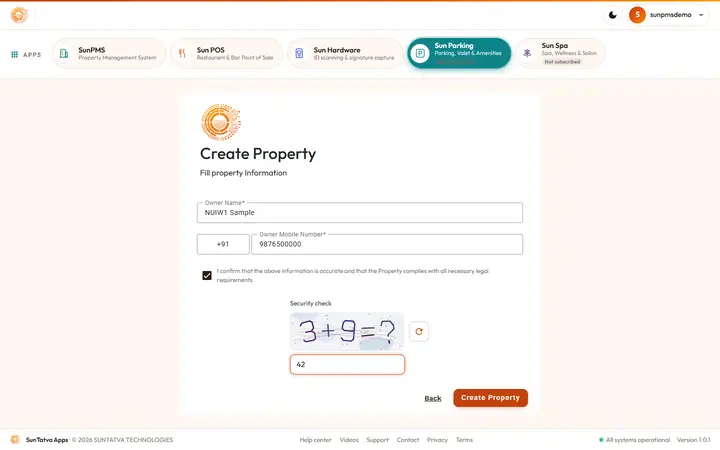
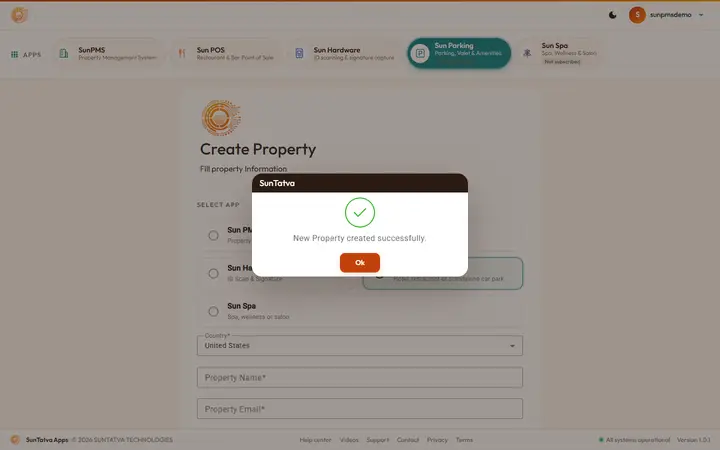
PARKING_INTEGRATION). Without it the card is hidden; opening the address shows a SunParking card with Not licensed: "The parking link needs the SunParking Integration licence - the property owner can buy it from Settings → Licences." See 90-licences. - A SunParking car park of the same owner (create from the SunAuth landing page: Sun Parking > create).
- To bill parking to the room, mark a charge as "POS charge" in Other Charges and pick it in SunParking > Setup > Integrations.
Screen layout
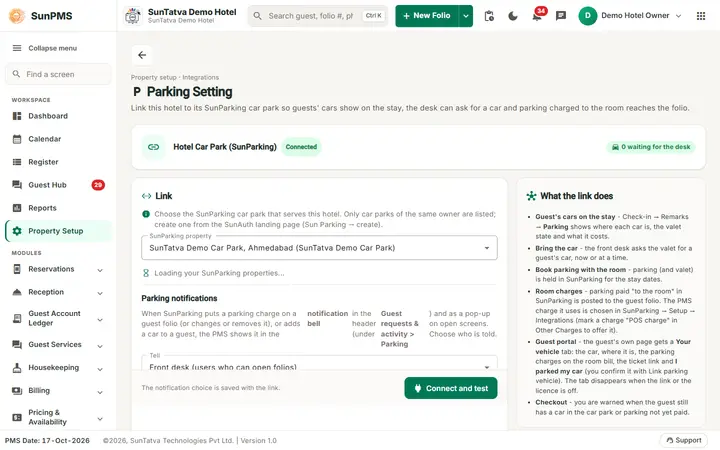
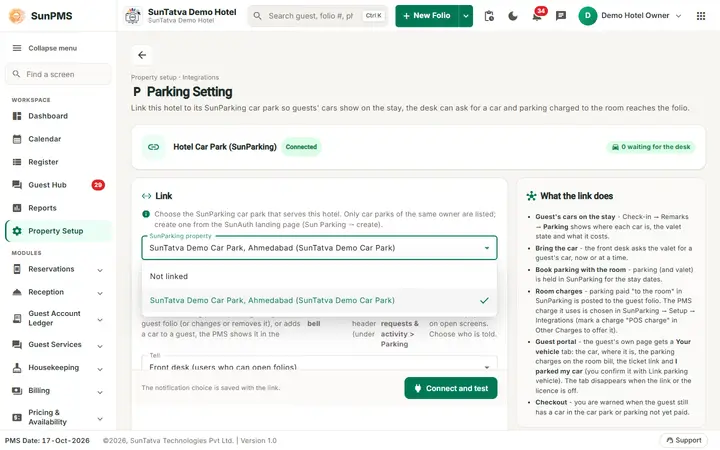
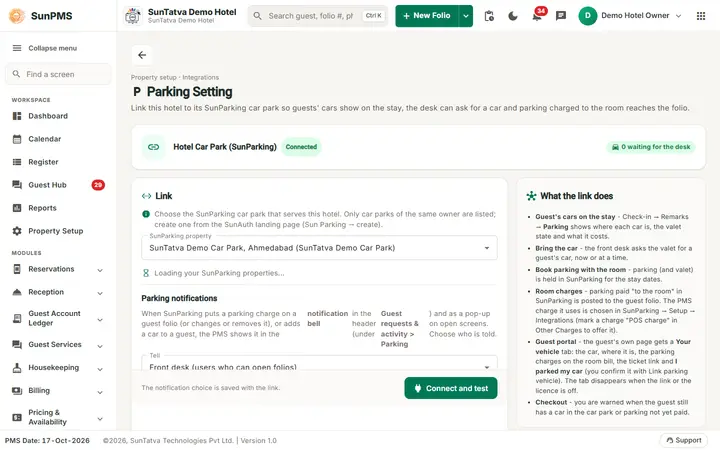
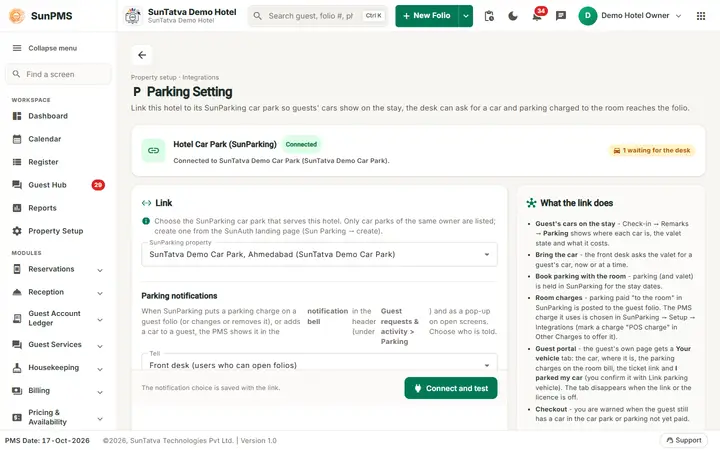
The page header shows the title Parking Setting, the line "Property setup · Integrations", a description and a back arrow to the Property Setup hub.
| Part | Meaning | Rules |
|---|---|---|
| Card Hotel Car Park (SunParking) with a status chip | Connected, Not connected or Needs attention, with a sentence ("Connected to |
Read only |
| Link card, SunParking property | Car parks of the owner (name, city (group)), or Not linked. "No SunParking car park was found for this owner." if none. |
|
| Tell (card Parking notifications, in the Link card) | Who is told when SunParking puts a charge on a folio or adds a car to a guest: Front desk (users who can open folios) (default), Everyone signed in to this property, Nobody (charges are still posted, no notification) | Saved with Save |
| Parked cars not linked to a stay | Count and list of parked cars the parking staff marked as hotel guests whose stay is not known yet | Read only; link a car from the guest's folio (Vehicle > Link parking vehicle) |
| Button Connect and test (reads Disconnect while Not linked is chosen) | Stores the link and the notification choice and tests the connection | |
| Card What the link does | Lists the functions the link switches on | Read only |
How to link
- Open Property Setup in the left menu and click the Parking Setting card (group Configuration).
- Pick the SunParking property and, if needed, who is told in Parking notifications.
- Click Connect and test. Result: "Connected" (or "Saved" when the test fails) and the status chip changes.
The same link also lets the front desk chat with the car park staff: see Linked apps and cross-app chat (needs the licences Team Chat and Cross-app Chat).
What happens behind the scenes
- Guest's cars on the stay: Check-in > Remarks > Parking shows where each car is, the valet state and the cost.
- Bring the car: the desk asks the valet for the car now or at a time.
- Book parking with the room: parking (and valet) is held in SunParking for the stay dates.
- Room charges: parking paid "to the room" in SunParking is posted to the guest folio.
- Checkout: a window shows cars still in the car park, unpaid parking and unlinked cars, with Post to the folio now and Check out anyway.
- Notifications: the card Parking notifications on this page says that the PMS shows these events in the one notification bell in the header (under Guest requests & activity > Parking; there is no separate parking bell any more) and as a pop-up on open screens. The list Tell keeps its three modes (front desk, everyone, nobody). The notifications tell the desk when a parking charge is posted, changed or removed, or a car is added to a guest.
- Vehicles: a guest's car is added to the guest's Vehicle list automatically; walk-in guests are linked at the desk. Full description: Parking notifications, vehicle linking and walk-in guests.
Messages you may see
| Message | Why | What to do |
|---|---|---|
| Connected / Saved / Disconnected | Stored (and tested) | - |
| Could not save the parking link. | Server error | Retry |
Tips and FAQ
- Q: Parking charge does not reach the folio. A: Check the PMS charge chosen in SunParking > Setup > Integrations and that it is flagged "POS charge".
Which SunParking groups are listed
The SunParking property picker lists the car parks of every owner of this hotel group (a group may have several owners), by name. If the list is empty read "Integration groups or properties do not load" in the troubleshooting chapter. The same rule is used when the link is saved, so a listed car park can always be connected.
Screenshots