Commissionable Invoice
On this page
When a travel agent or OTA sends you an invoice for its commission, record it here, tie it to the commissions the PMS has already calculated, and record your payment to the partner. Paid invoices move to Commissionable Settled Invoice.
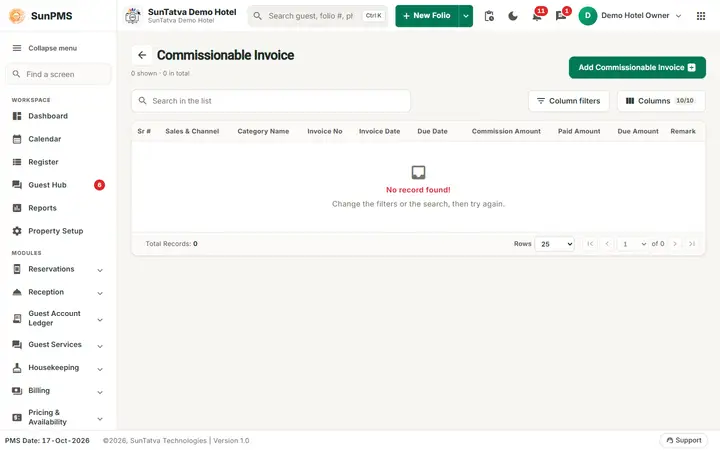
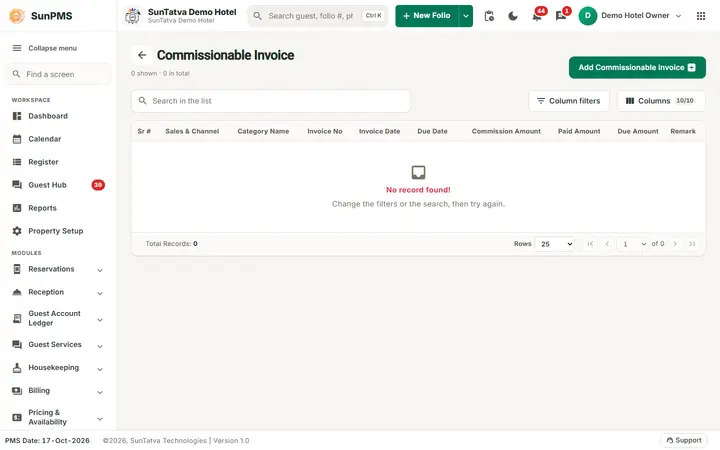
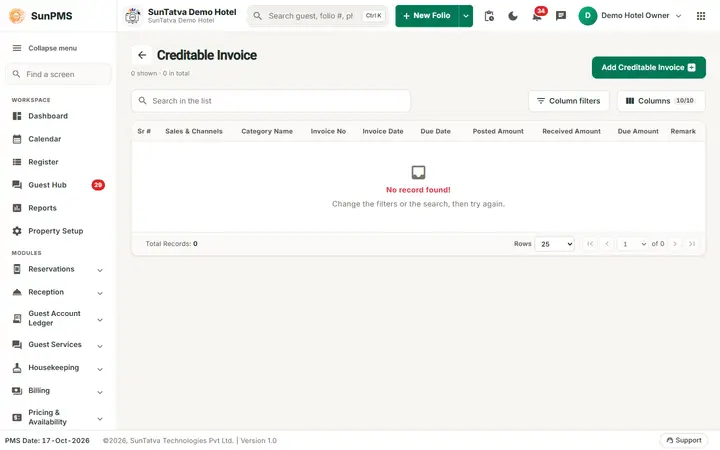
The Commissionable Invoice screen: commission, paid and due amounts per received invoice, and the Add Commissionable Invoice button.
Before you start
- Partner category has Commission Apply; terms set in Commissionable Sales & Channels.
- Reservations tagged with the partner have been checked out (or non-refundable no-show / cancel posted) so commission postings exist.
Screen layout (list)
This screen uses the standard search-first list layout: a dark Filters band on top, then a full-width table with Search in the list, a column filter button, Columns, sortable headings and a paging bar (rows become cards on phones). The common parts are explained in Search-first list screens; the fields and columns specific to this screen are listed below. Search, column filter icon, Add Commissionable Invoice, visible-columns panel. Columns: Sr #, Sales & Channel (click to open), Category Name, Invoice No (the partner's invoice number), Invoice Date, Due Date, Commission Amount, Paid Amount, Due Amount, Remark.
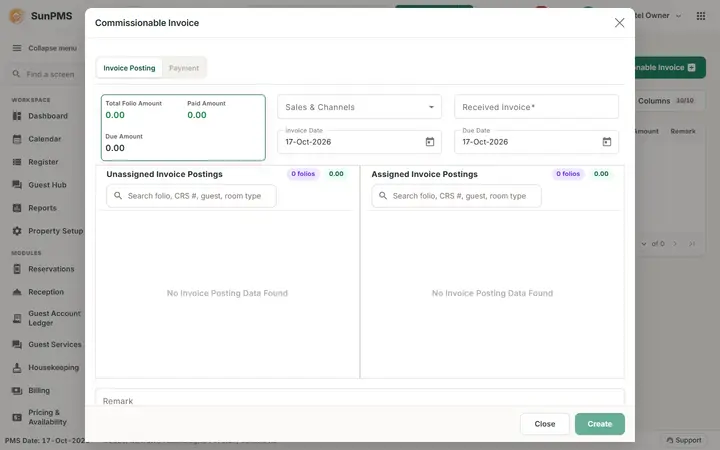
Invoice dialog
Two tabs: Invoice Posting and Payment (disabled until saved, or without payment privilege).
| Field / button | Meaning | Rules |
|---|---|---|
| Sales & Channels | Partner | Only partners with Commission Apply; locked when postings assigned and payments exist |
| Received Invoice | The partner's own invoice number | Required, max 50. Typed by you. |
| Invoice Date | Date | Fixed to the PMS date |
| Due Date | Date you must pay by | Not before invoice date |
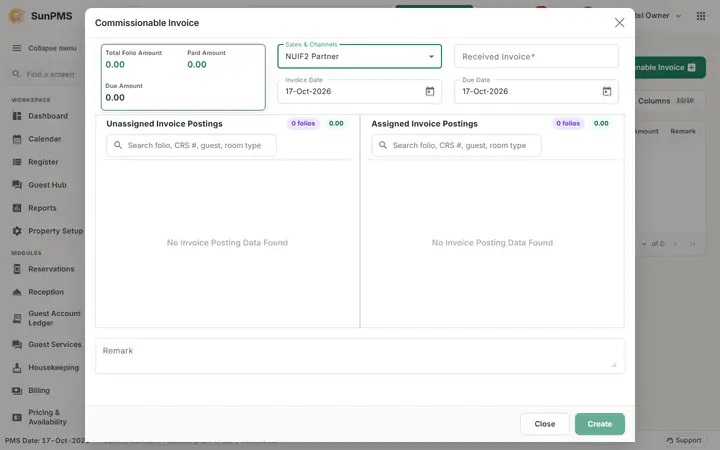
| Unassigned / Assigned postings | Cards with room type, Folio#, CRS#, guest, dates, commission amount; Assign / Remove | |
| Remark | Note | |
| Total Folio Amount, Paid Amount, Due Amount | Totals | |
| Create / Save, Print, Delete, Close | As for creditable invoices |
Payment tab: Add Payment, Save Payment; Add Payment dialog has Type, CC # Last 4 Digit, Date (PMS date), Receipt #, Amount, Exchange Rate, Total, Remark, Add / Update.
How to record a partner invoice
- Open Commissionable Sales & Channels > Commissionable Invoice, click Add Commissionable Invoice.
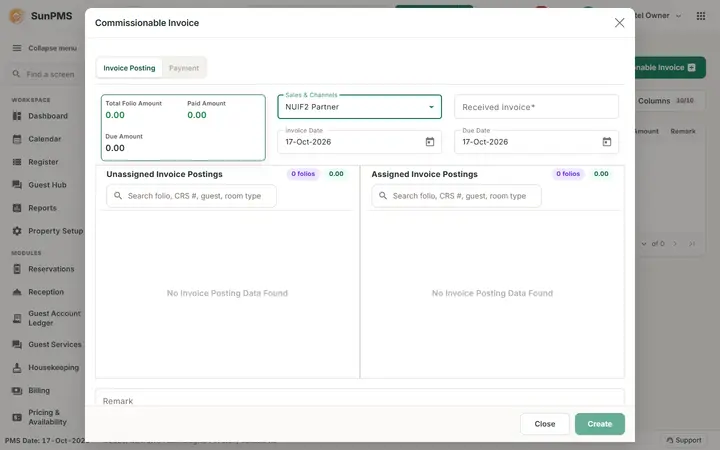
- Choose the Sales & Channels partner; its unposted commissions appear.
- Type the partner's number in Received Invoice.
- Assign the commission lines that the partner's invoice covers (compare totals with the partner's paper).
- Set Due Date, Remark, click Create.
How to pay the commission
- Open the invoice > Payment tab > Add Payment.
- Choose Type, type Amount, Add, then Save Payment.
Result: Paid Amount grows; when it equals the commission total the invoice moves to the settled list.
Behind the scenes
- Assigned lines are flagged as invoice-received so they are not offered again.
- After a payment exists you cannot change assigned postings (After taking payment can not change in posting payments.) or delete the invoice (After taking payment can not delete invoice.).
Messages you may see
| Message (exact text) | Why | What to do |
|---|---|---|
| Please enter Received Invoice No. | Number empty | Type the partner's invoice number |
| You can not perform Add/Edit this Invoice. Reason: Atleast one posting added. |
No posting assigned | Assign one |
| Please assign at least one posting to the invoice. | Saving a commission invoice with no posting assigned (before 2026-10-18 the screen returned silently) | Assign at least one commission posting, then Save |
| Please select Payment Type. / Please specify valid Payment Amount. / Past date payment not allowed. | Payment checks | Correct |
| Generate the PG API Key before making a card payment. | Gateway key missing | Configure gateway |
| Are you sure want to delete this invoice? | Confirmation | Yes / No |
| After taking payment can not change in posting payments. / After taking payment can not delete invoice. | Payments exist | Delete payments first (unsettled only) |
| Receive Amount is more then Invoice Amount. | Over payment | Reduce amount |
Tips and FAQ
- Q: No commission lines appear. A: Check the Post on... options in setup, that the guest is checked out, and that the reservation is tagged with this partner.
- Q: Why is the invoice number typed by me here but generated for creditable invoices? A: This is the partner's invoice you received, not yours.
Screenshots