
Commissionable Settled Invoice
On this page
Lists partner commission invoices you have paid in full. Use it to review, print or e-mail them.
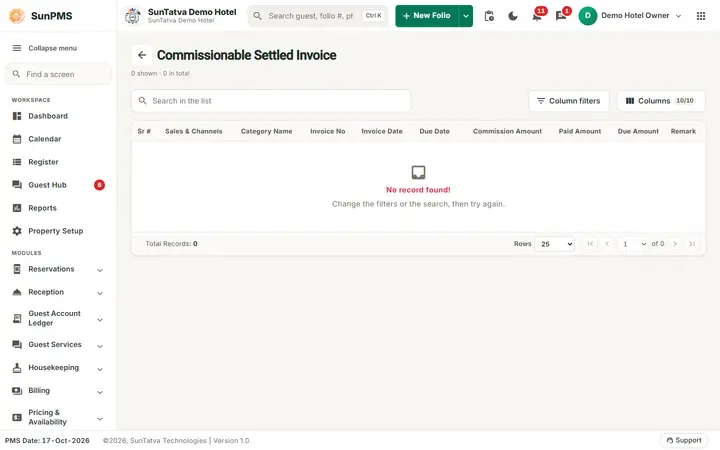
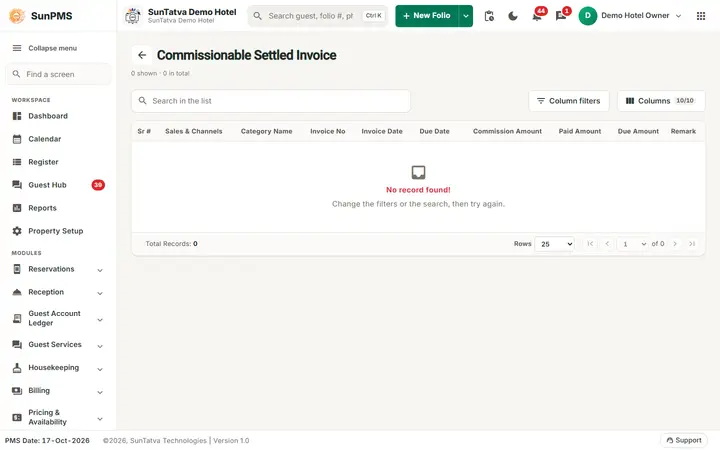
The Commissionable Settled Invoice list: invoices whose commission is fully paid.
Before you start
- The invoice was created and fully paid in Commissionable Invoice.
Screen layout (list)
This screen uses the standard search-first list layout: a dark Filters band on top, then a full-width table with Search in the list, a column filter button, Columns, sortable headings and a paging bar (rows become cards on phones). The common parts are explained in Search-first list screens; the fields and columns specific to this screen are listed below. Search, column filters, visible-columns panel. Columns: Sr #, Sales & Channels, Category Name, Invoice No, Invoice Date, Due Date, Commission Amount, Paid Amount, Due Amount, Remark. No Add button. Click the partner name to open.
Settled Received Invoice dialog
Read-only: Sales & Channel (with address), Invoice No, Invoice Date, Due Date, Remark, Total Folio Amount, Paid Amount, Due Amount; the folio lines (Folio #, CRS Folio #, Guest Name, Date In, Date Out, Room Type, Commission Amount) and payments (Date, Payment Mode, Receipt #, Amount, Ex. Rate, Total, Remark). Buttons Print, Email, Close.
How to print or e-mail
- Open the invoice by clicking the partner name.
- Click Print (PDF in a new tab) or Email (sends to the partner's e-mail). The e-mail subject is "
- Sales & Channel Commission Invoice For <Sales & Channel name>".
Messages you may see
| Message (exact text) | Why | What to do |
|---|---|---|
| Please configure Email Settings. | E-mail not configured | Configure it |
| Please add Sales & Channel Email Address. | Partner has no e-mail | Add in Sales & Channels |
| Email send successfully. / Email not sent. | Result | Retry |
| Are you sure you want to delete? | Payment delete confirmation | Yes / No |
Tips and FAQ
- Q: I need to correct a paid invoice. A: Delete the payment (this re-opens it in the open list), correct, and pay again.