Assigning and Changing a Room
On this page
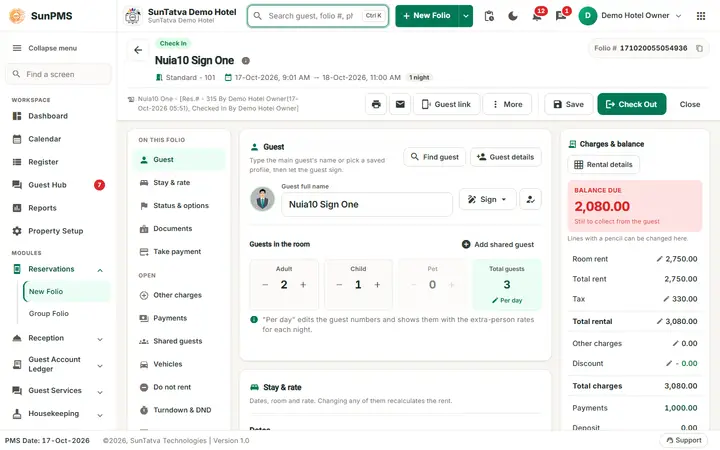
Reservation: pick or change the room
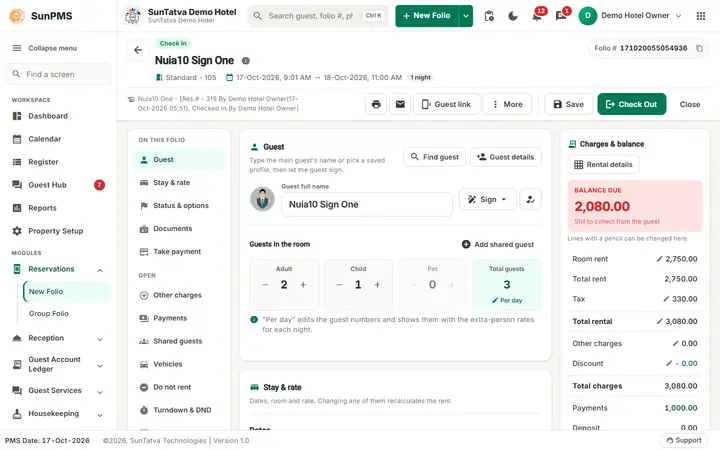
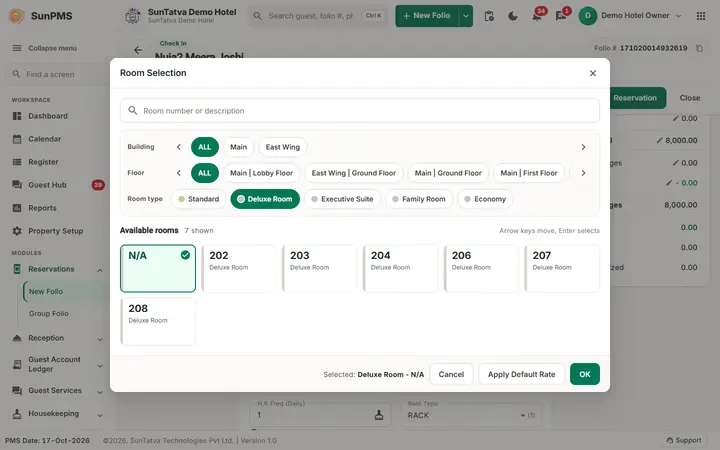
In Stay & rate click the room button. The Room Selection window has a search box, the chip rows Building, Floor, Room type and Status (with counts such as V/Ready 3), and the available rooms as tiles (room number, type, flags for smoking / accessible / pets / hourly, room status). Click a tile (the tile N/A keeps the room open), then OK (or Apply Default Rate to reset the rate to the new room type's default). A reservation can exist without a room only when Reservation without room is on; assign it later (see Booking transactions). A Locked reservation cannot change room or type (the message This Reservation is Locked. You Can not Change Room/Room Type for this reservation appears when you save; see Locked reservation).
In-house: Change Room
Change Room (header More menu) appears for in-house guests before the departure date (or on the departure day for hourly stays) when you have the Change room privilege.
- Click More > Change Room.
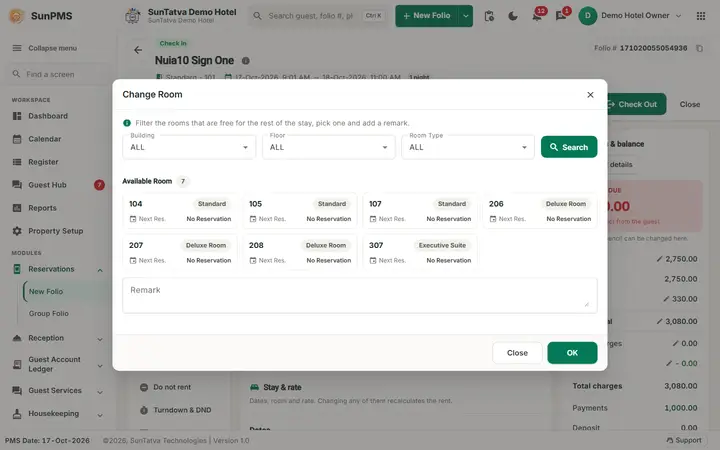
- Filter by Building, Floor, Room Type (ALL) and click Search.
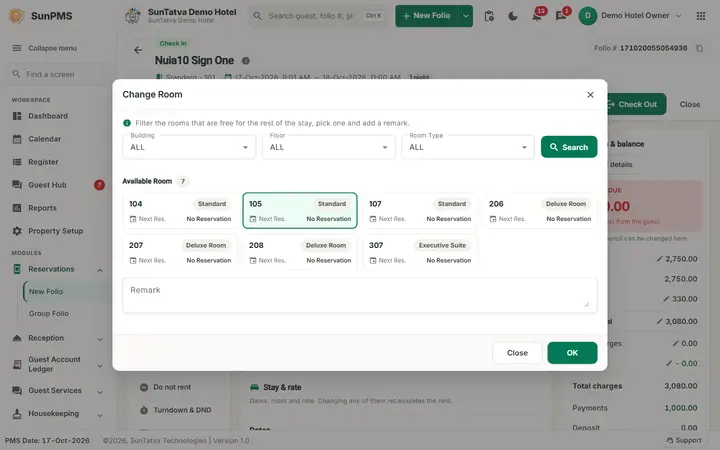
- Click a room card. Each card shows room, type and Next Res. (the next reservation date or "No Reservation"). Vacant Dirty rooms are hidden unless the setting Count Vacant Dirty as available is on; occupied rooms are never offered.
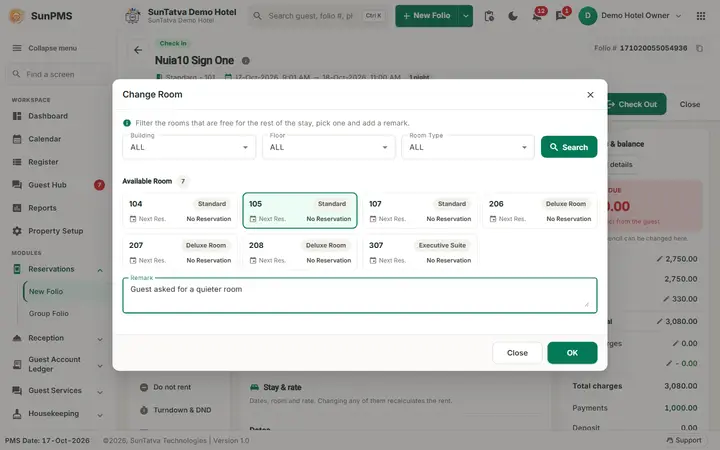
- Type a Remark and click OK. If the room type changes, the rate question appears per setting Rate change confirmation (Current Rate / New Rate). The move takes effect from today; earlier nights stay in the old room.
Messages you may see
| Message | Why |
|---|---|
| Please select a Room. | OK without selection |
| n Adult(s) are allowed in X Room Type | New type holds fewer adults |
| No Available Room | Search found nothing |
| Room is not vacant. | Reservation to check-in into an occupied room |
Screenshots