Folio - Guest Details and Documents
On this page
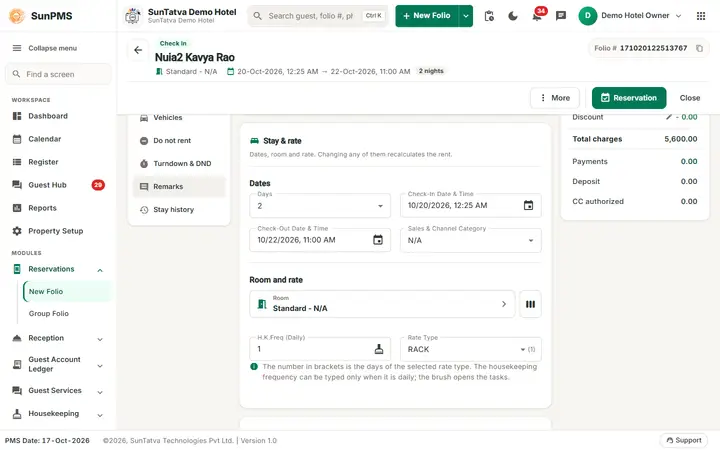
Guest details window
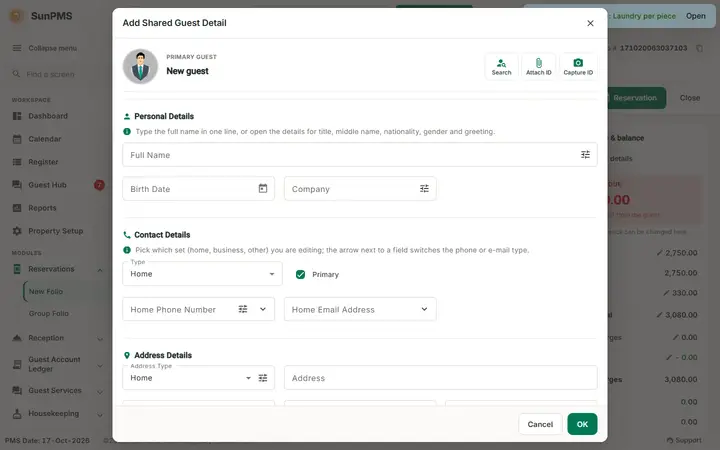
Open it with the Guest details button in the Guest section (top right of the section). The window is titled Guest Detail and starts with the primary guest (picture, name) and the buttons Search (find a saved guest), Attach ID (attach an existing document), Capture ID (photograph or scan an ID), Sign and Signature (show the saved signature). Then the sections, each with a one-line help:
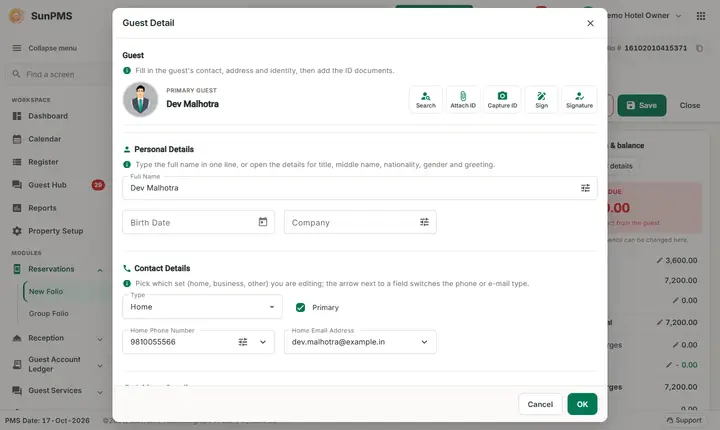
- Personal Details: Full Name (opens Name Detail: Title, First, Middle, Last, Suffix; Nationality, Birth Date, Gender, Guest Category; Letter / Address Greeting), Birth Date, Company (opens Company Information: Designation, Department, Company, GSTIN), Membership Status. The buttons at the top of the window replace the old toolbar icons.
- Contact Details: Type, phone numbers per type (Mobile, Home etc., Phone Details: type, country, city/area code, local number, extension) and e-mail per type.
- Address Details: Address Type, Address, City, State and Zip titles (names follow the property settings), Country. Fields marked mandatory in Guest Data Mandatory are checked on the server when you save or check in.
Documentation section
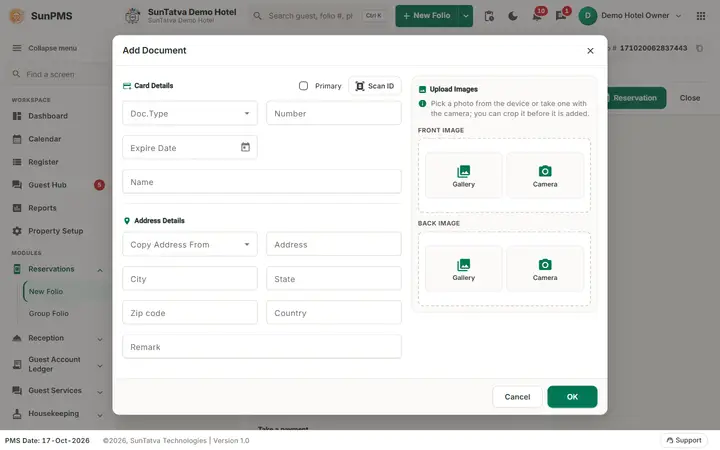
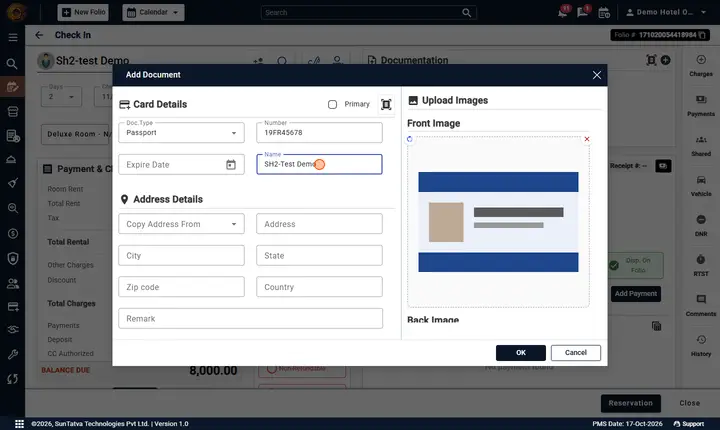
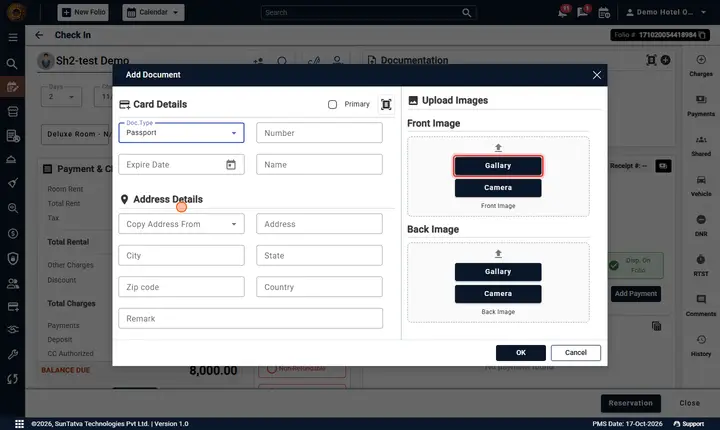
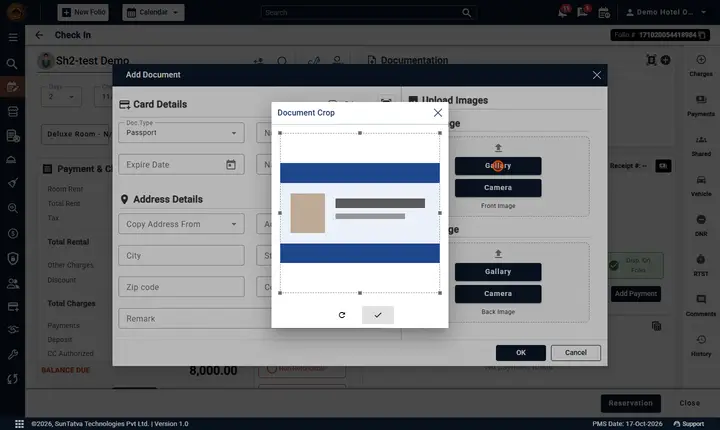
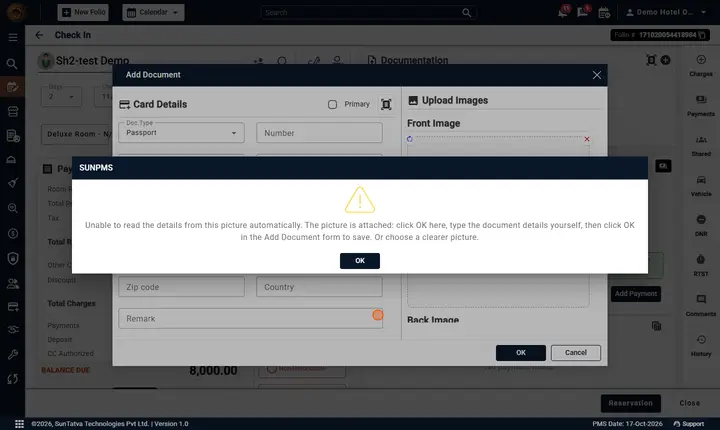
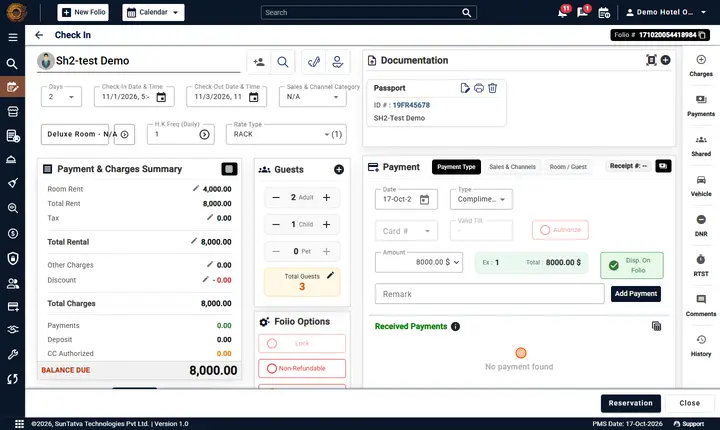
Click Documents in the ON THIS FOLIO list. Add Document opens Add Document: Doc.Type, Number, Expire Date, Name, address (copy address from guest), Remark, front and back image (upload, capture, rotate, print). The Scan ID button (in the section and inside Add Document) sends the scan to a paired phone, tablet or station (needs the Hardware licence; see Documents). The Doc.Type Credit Card switches the form to card fields.
- One document must be primary; changing it asks Are you sure you want to change Primary Document? and removing the last one gives It is required to keep one document as primary.
- Credit cards are saved as tokens (Add Credit Card via secure frame, View Credit Card asks your own sign-in password in Verify Password). A wrong password shows Incorrect password.; it does not count as a failed sign-in and cannot lock your account. After 5 wrong passwords within 15 minutes the check pauses for 15 minutes (Too many wrong passwords. Try again in N minute(s).). The group screen's documents use the same check.
- Rows can be edited, printed, viewed or deleted (Are you sure want to delete this document?).
- After a scan: Do you want to replace Guest detail? copies name/address from the ID.
Signature
The Sign menu (in the Guest section; the person-tick icon next to it shows the saved signature): choose a signature pad device, Signature pad or tablet (SunHardware) or On Screen; Modify Signature, delete (Are you sure you want to delete this signature?). If Sign mandatory at check-in is on, check-in is refused until a signature exists and the sign-method dialog appears.
Shared guests, vehicles, DNR
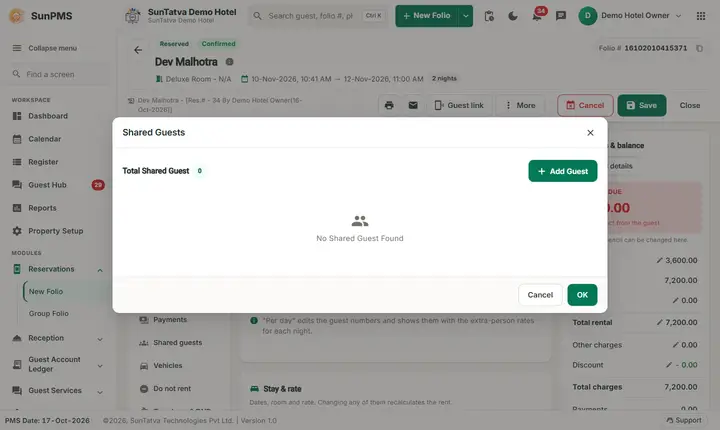
- Shared guests (OPEN list, or Add shared guest in the Guest section): Add Shared Guest Detail - first and last name required. Delete asks Are you sure you want to delete selected Guest(s)?
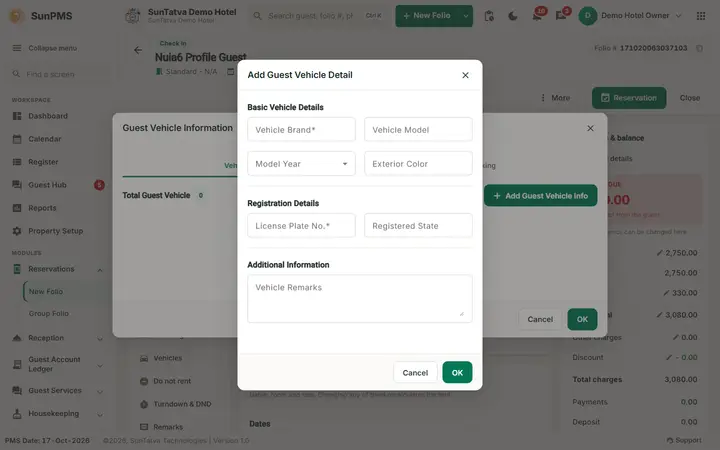
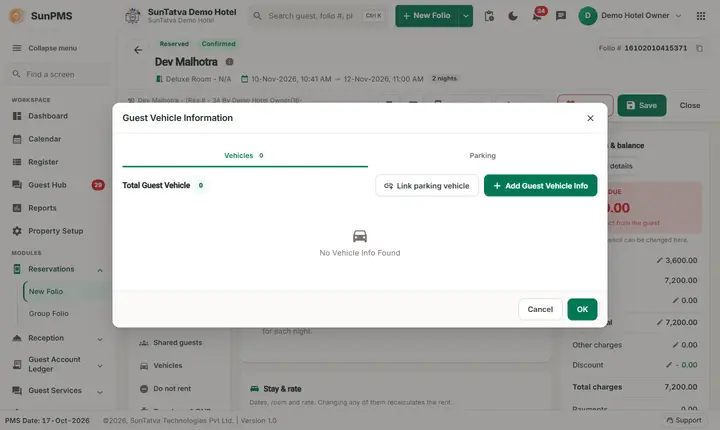
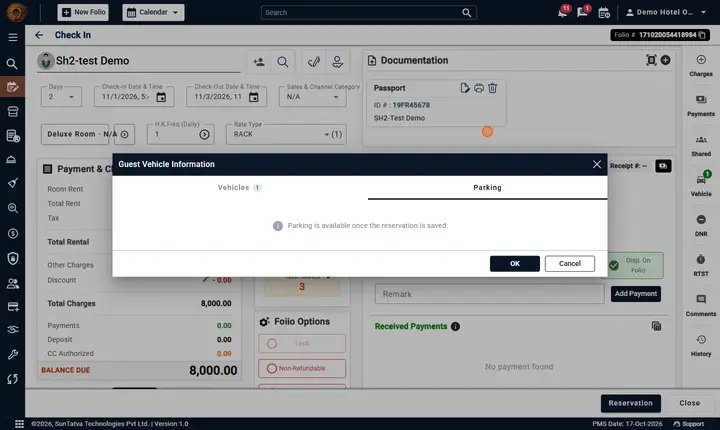
- Vehicles (OPEN list): Vehicle Brand (Make), Model, Year, Exterior Color, License Plate No., Registered State, Remarks.
- Do not rent (OPEN list): lists Do Not Rent reasons recorded for the guest; DNR Reasons assigns or creates reasons.
- When saving, if the guest has a DNR with status 2 the booking is blocked; with status 1 you are asked Do you want to continue with this guest.
Messages you may see
| Message | Why |
|---|---|
| Please enter Guest First Name. / Guest Name required. / Contact Name required. | Missing names |
| Minimum Rental Age must be more then N years. | Birth date below the property minimum age |
| Invalid E-Mail ID. | Bad e-mail |
| Invalid Expire Date | Expiry in the past/invalid |
| Please select Document Type. / Please enter the Document Number. | Add Document |
| Cannot upload same document again. | Duplicate |
| Please note, you can only upload up to N Documents (excluding Credit Cards) | Limit setting |
| The document was not scanned properly. Please verify and try again. / Device not found or unable to read your document. | Scanner |
| Please provide Vehicle Make. / Please provide Vehicle License. / Please select a Vehicle. | Vehicle |
| No Signature found. / Please enter Signature. / Signature updated successfully | Signature |
| Below fields are mandatory fields. (list) | Server rule from Guest Data Mandatory |
| The guest(s) (names) has DNR status exist. Reason:... | DNR |
Screenshots