Folio - Undo Check-In
On this page
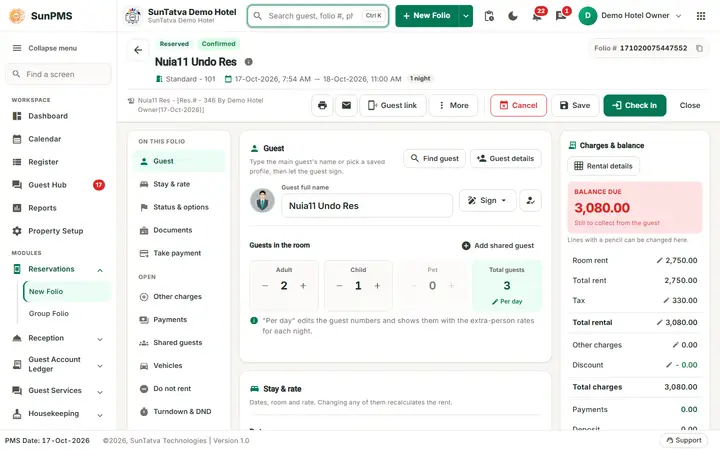
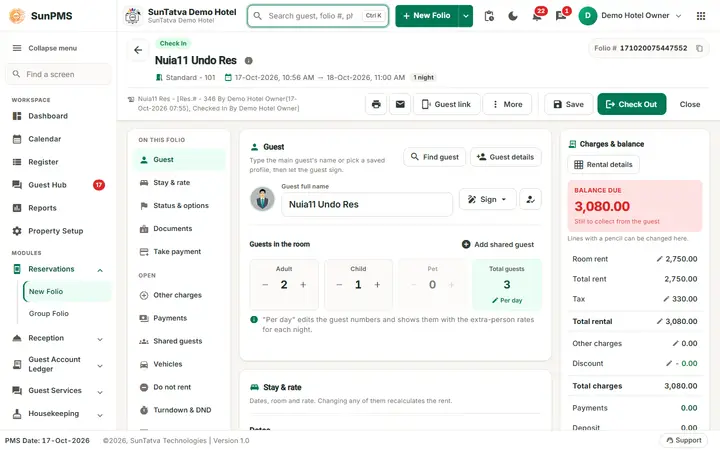
Undo takes a same-day check-in back. Use it when the front desk checked a guest in by mistake or into the wrong room and the stay has not really started. What happens depends on how the folio was created, see the two cases below.
Before you start
- The guest is in house (title Check In) and was checked in today.
- You have the privilege Access to undo room.
- No refund or invoice has been created for the stay (see the refusals below).
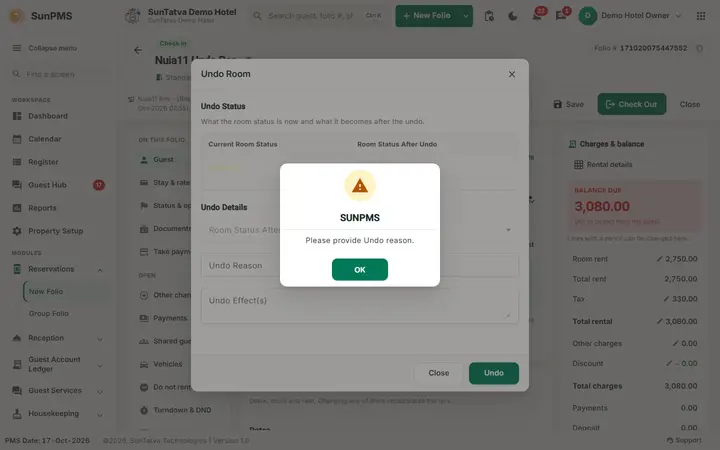
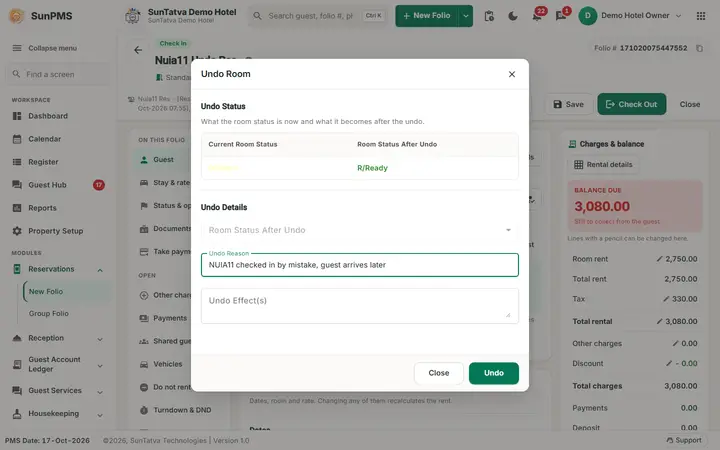
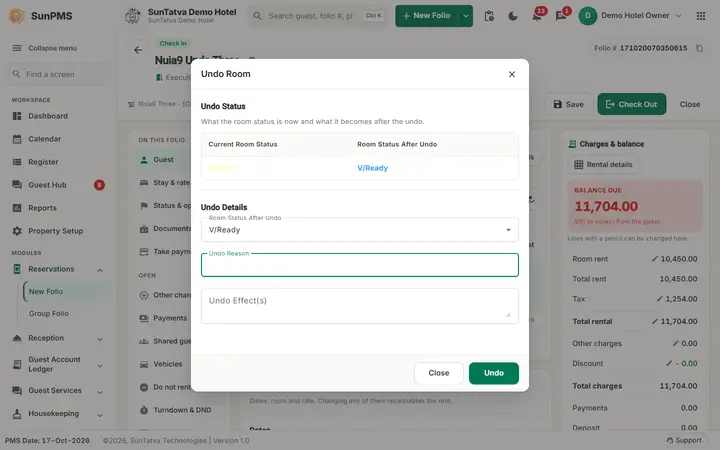
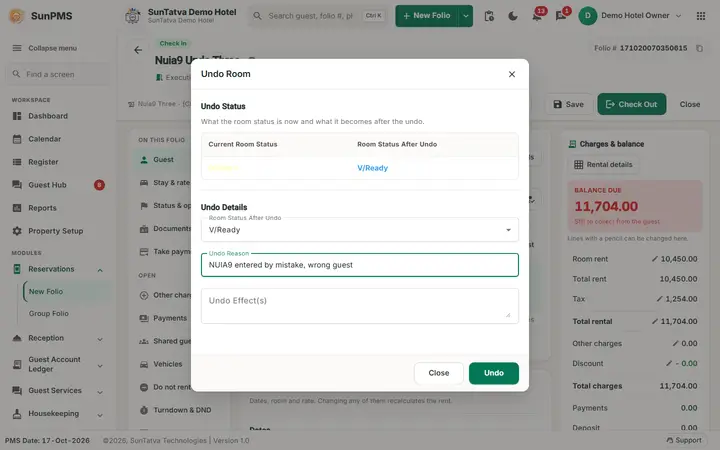
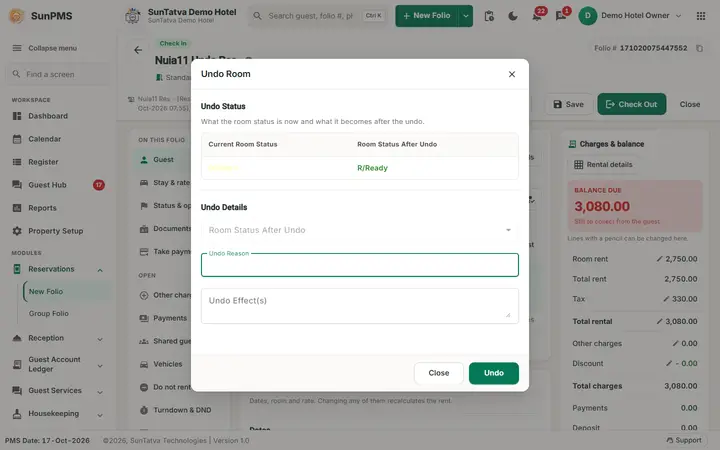
Screen layout of the Undo Room window
| Field / column | What it means | Rules |
|---|---|---|
| Current Room Status | The status of the room now, for example O/Clean (occupied, clean). | Read only. |
| Room Status After Undo (table) | The status the room will have after the undo. Colour follows the status. | Changes when you pick a value in the list below. |
| Room Status After Undo (list) | V/Ready, V/Dirty, V/Clean. | Enabled only for a walk-in folio. Greyed out when the guest came from a reservation (the room then goes back to R/Ready, reservation ready). |
| Undo Reason | Why you undo. | Required. Empty: Please provide Undo reason. |
| Undo Effect(s) | Free note box. | Optional, not checked. |
| Undo / Close | Undo runs the undo, Close leaves the window. |
How to undo a check-in
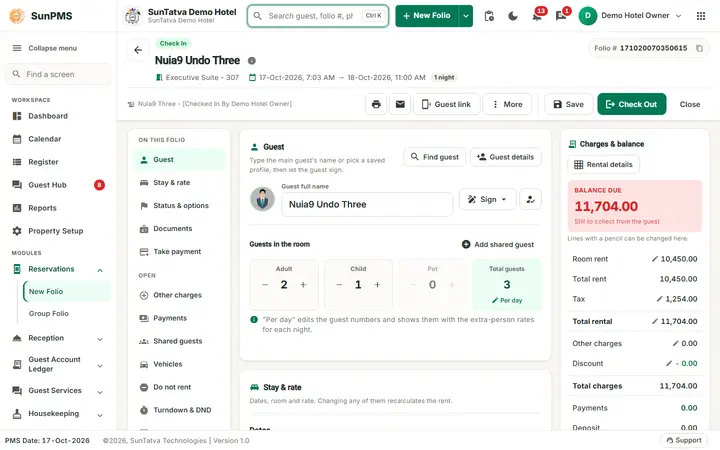
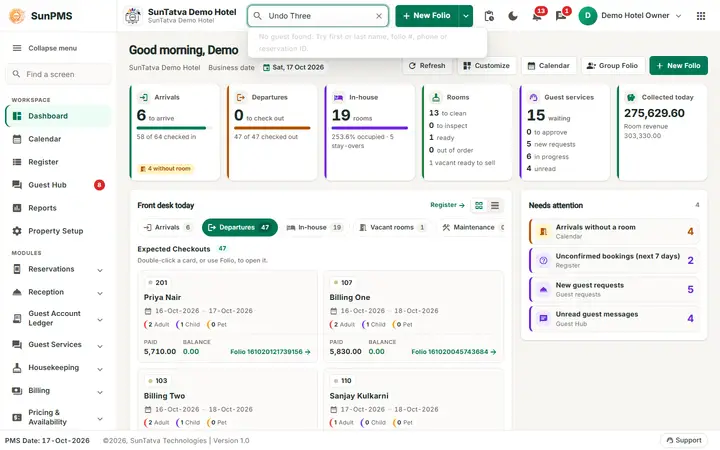
- Open In-House Guests, then the folio.
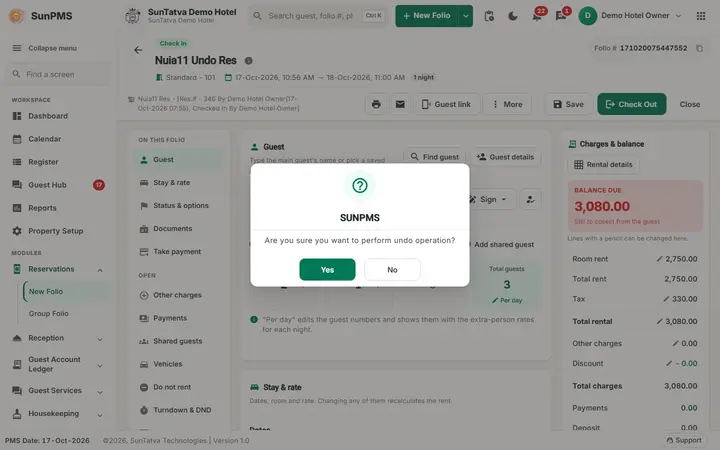
- Click Undo. The system checks that the room is free for the stay dates, then asks Are you sure you want to perform undo operation? Click Yes.
- In the Undo Room window type the Undo Reason. For a walk-in folio choose Room Status After Undo: V/Dirty if the guest used the room, V/Ready or V/Clean if not.
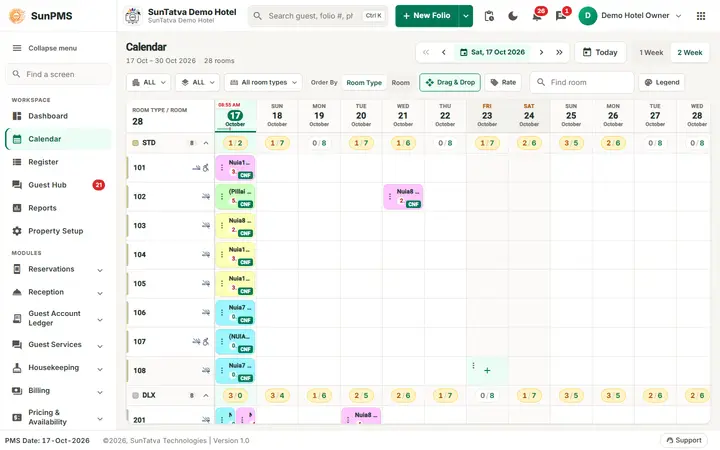
- Click Undo. The message Undo operation successfully done. appears briefly while the screen returns to the calendar (it can be hidden behind the loading screen).
Case 1: the guest came from a reservation
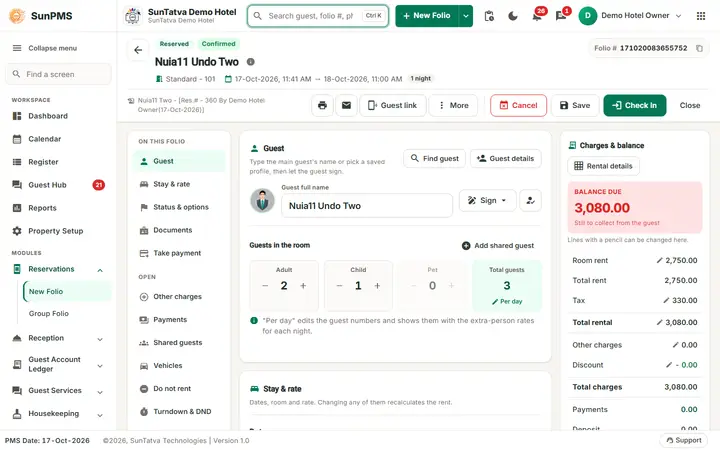
The folio becomes a Reserved folio again (same folio number, same reservation number, room still assigned). The Check In button is back. The room status after undo is R/Ready.
Case 2: walk-in folio (checked in directly)
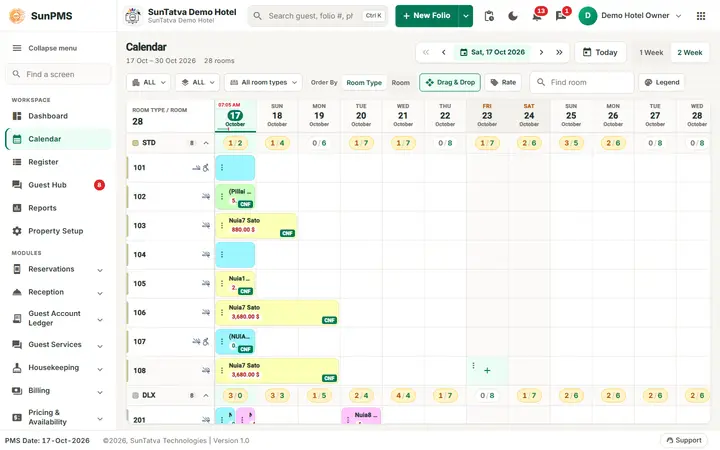
There is no reservation to go back to. In the test on the demo hotel the undo removed the whole folio: Search Reservation no longer listed the guest and the folio number was gone from the folio table. The room gets the status you chose. If the guest comes back, create a new folio. If the guest should stay, do not use Undo: use Change Room or Save.
Messages you may see
| Message (exact text) | Why it appears | What to do |
|---|---|---|
| Are you sure you want to perform undo operation? | Confirmation after clicking Undo. | Yes to continue. |
| Please provide Undo reason. | Undo clicked with an empty reason. | Type a reason. |
| Undo operation successfully done. | Success. | - |
| You can not perform undo operation. Reason: Room is not available. | Another booking now holds the room for these dates. | Move the other booking first, or keep the stay. |
| You can not perform undo operation. Reason: Transaction you are trying to perform will change audited reports. | The hotel setting does not allow changes to audited days and the check-in date is before the PMS date. | Not possible; correct with Change Room or an adjustment. |
| You can not perform undo operation. Reason: Multiple room selection exist. | The stay has more than one room. | Check out the extra rooms or change the stay first. |
| You can not perform undo operation. Reason: Sales & Channel invoice created. | An invoice was already made for the Sales & Channel (travel agent / company) payment. | Cancel the invoice first. |
| You can not perform undo operation. Reason: Payment transfer entry exist. | A payment was transferred in from another folio. | Reverse the transfer first. |
| You can not perform undo operation. Reason: Credit card payment exist. | The folio has a card payment and the setting Refund credit card amount at undo is off. | Refund the card payment first or ask the owner to change the setting. |
What happens behind the scenes
- The room status table is read from the room status master; the colour of the After column follows the status chosen.
- The undo is recorded with the user, the date, the time and your reason.
- The Undo button is shown only for a same-day check-in or same-day check-out (button rules in Overview).
Tips and FAQ
- Q: The list Room Status After Undo is greyed out. A: The guest came from a reservation. The room returns to reservation ready automatically.
- Q: I undid a walk-in by mistake. A: The folio is removed. Create a new walk-in folio.
- Q: Can I undo a check-in from yesterday? A: Only if your hotel allows changes to audited days; otherwise you get the audited reports message.
Screenshots