Room Type Amenities
On this page
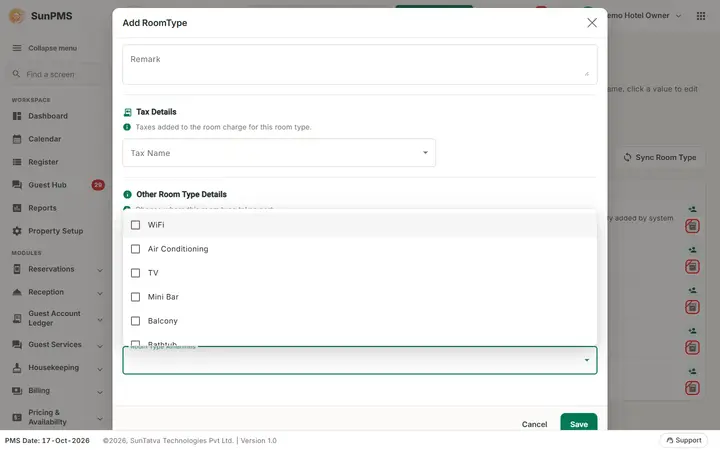
A simple list of facilities (Wi-Fi, Air conditioning, TV) that you can attach to room types. It is empty in a new property.
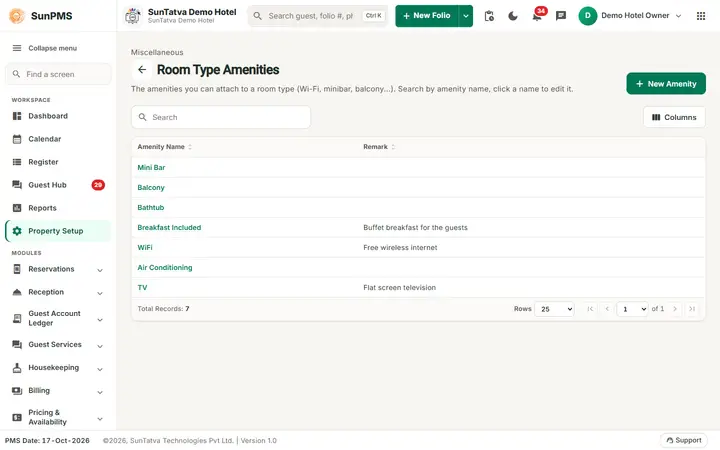
Screen layout
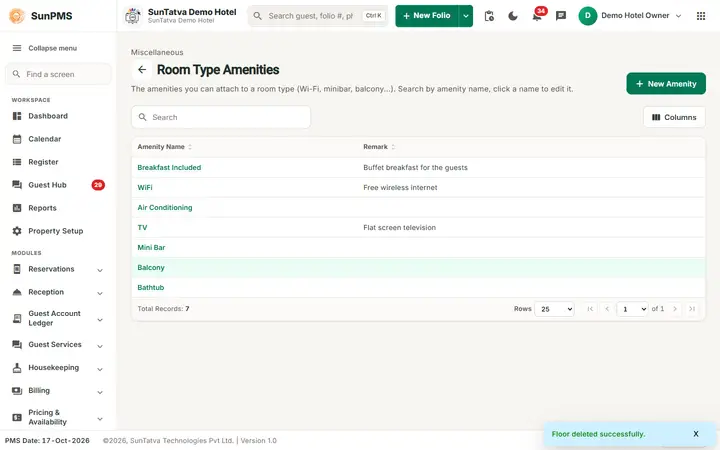
This screen follows the common master layout described in Property Setup (section "Master screens: one pattern"): a header with the back arrow, the title, a one-line explanation and the main button on the right; a Search box and a Columns button above a sortable table; a footer with Total Records, Rows and page buttons; and an add / edit window with Delete (left, only when editing), Cancel and Save. Specific to this screen:
| Element | Meaning | Rules |
|---|---|---|
| Search | Filters by amenity name. The small grey line above the title reads "Miscellaneous". | |
| New Amenity | Opens the window (Add Amenity). | |
| Amenity Name column | Click the highlighted name to edit (Edit Amenity). | |
| Remark column | Note. | |
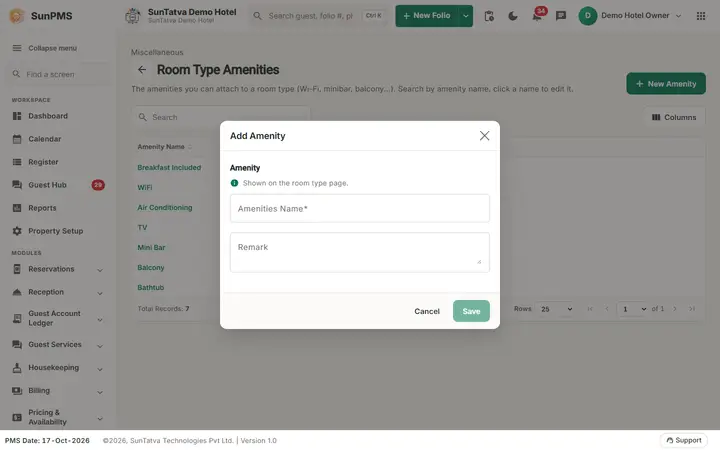
| Window section Amenity (help: "Shown on the room type page."): Amenities Name | Name. | Required, unique. |
| Remark | Note. | Optional. |
| Save, Cancel, Delete | Delete only when editing. |
How to add an amenity
- Click New Amenity.
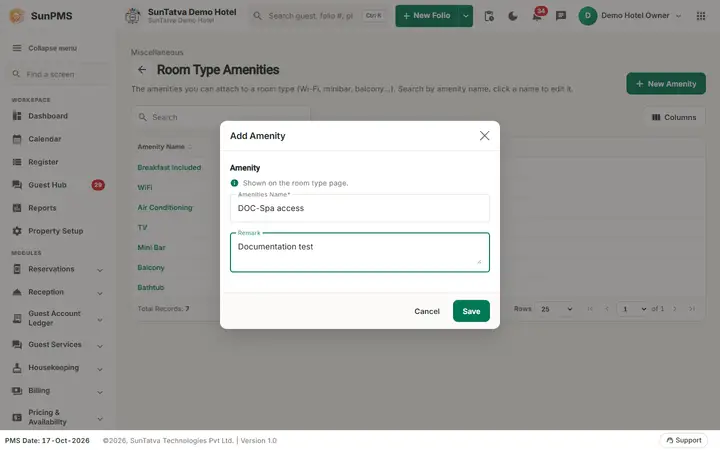
- Type Amenities Name.
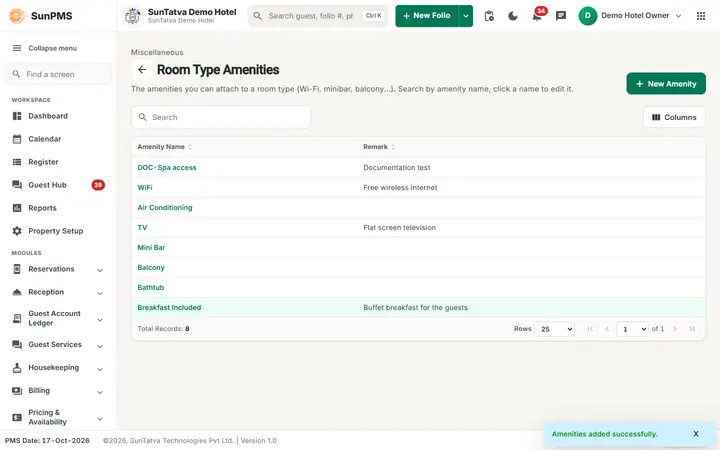
- Click Save. Message: Amenities added successfully. The window stays open for the next one.
How to edit / delete
Click the name, change it and Save (Amenities updated successfully.), or Delete and confirm Are you sure want to delete this Amenity? (Amenitiy deleted successfully.). Deleted amenities are hidden from the list and from room type pick lists.
What happens behind the scenes
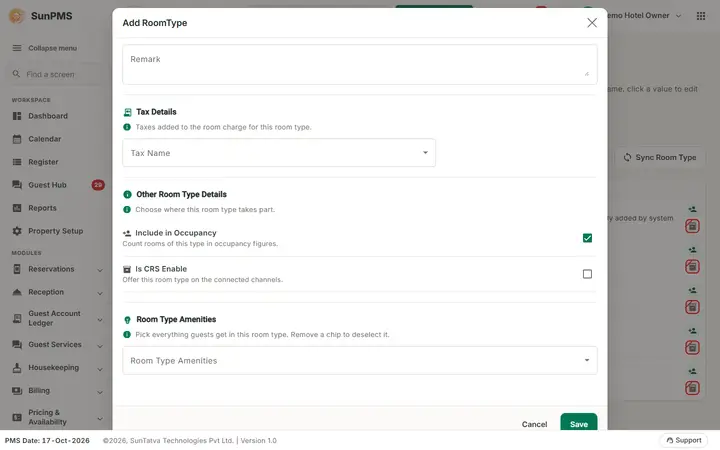
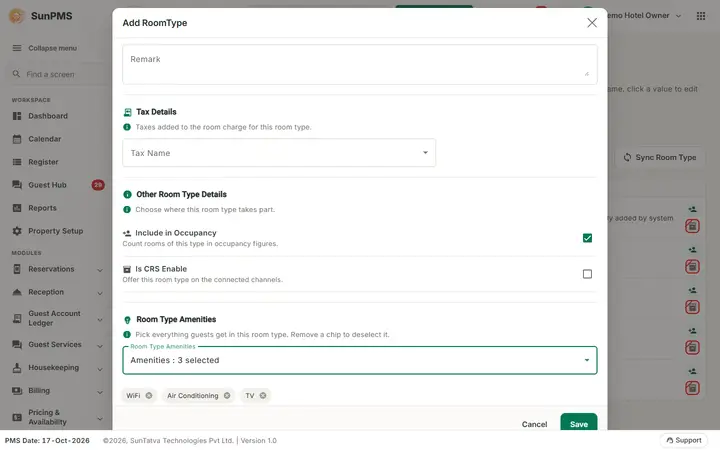
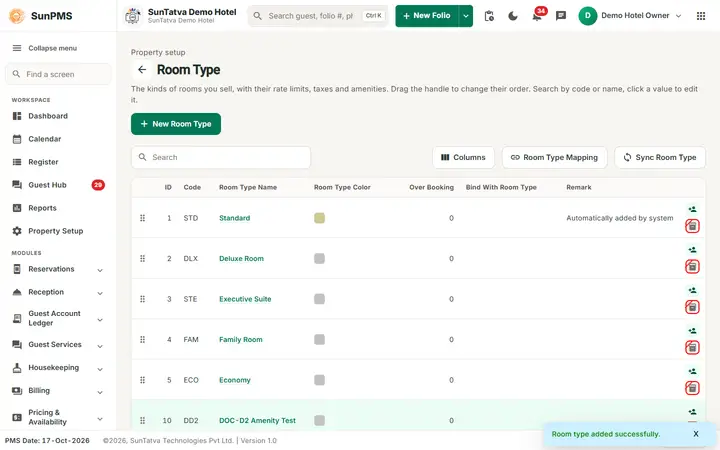
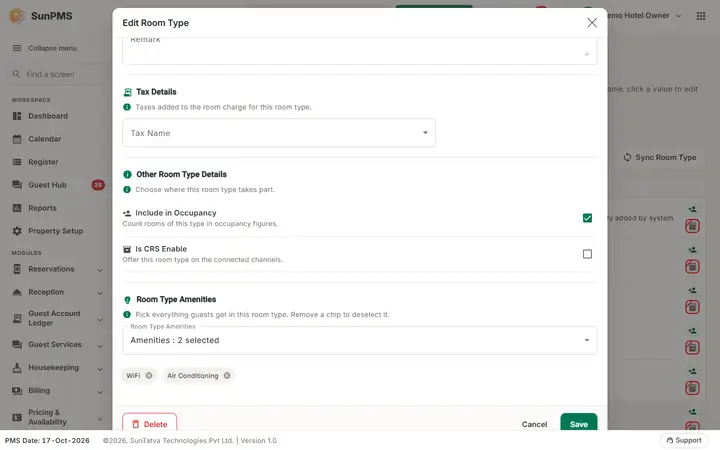
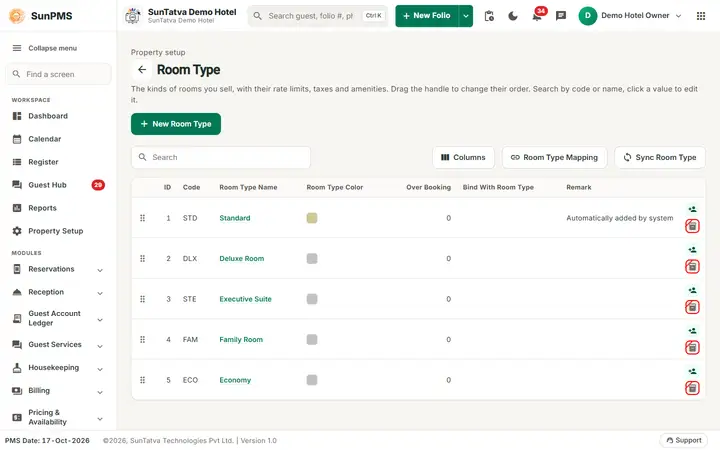
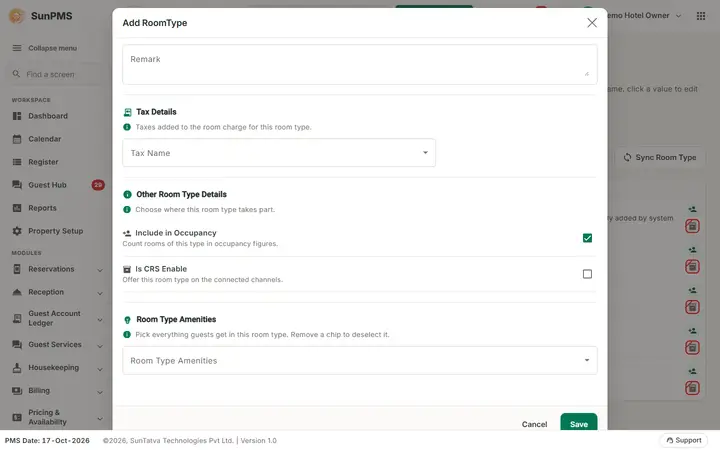
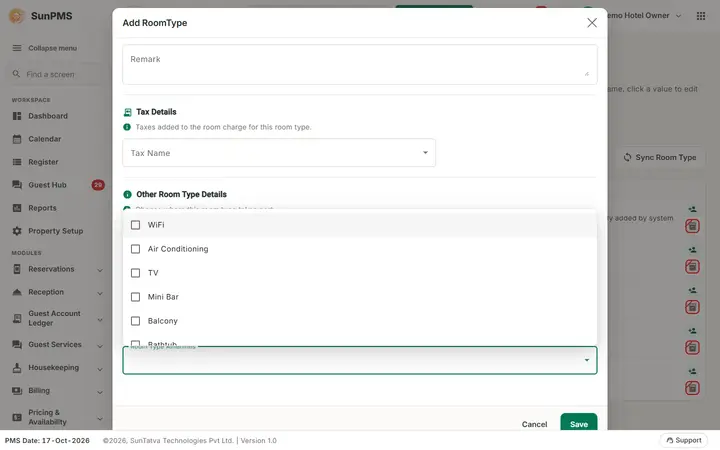
Amenities are chosen on the Room Type window and (for channel-manager properties) described on the room type content page.
Messages you may see
| Message (exact text) | Why it appears | What to do |
|---|---|---|
| Please enter Amenities Name. | Empty name. | Type it. |
| Record Already Exist. | Duplicate. | Rename. |
| Invalid Amenities Name | Server rejected a blank name. | Type a name. |
Tips and FAQ
- Q: Does saving a new amenity work? A: Yes. In the recorded demo seven amenities were added and each showed Amenities added successfully.
- Q: Are amenities required on a room type? A: No, they are optional.
Screenshots