Floor
On this page
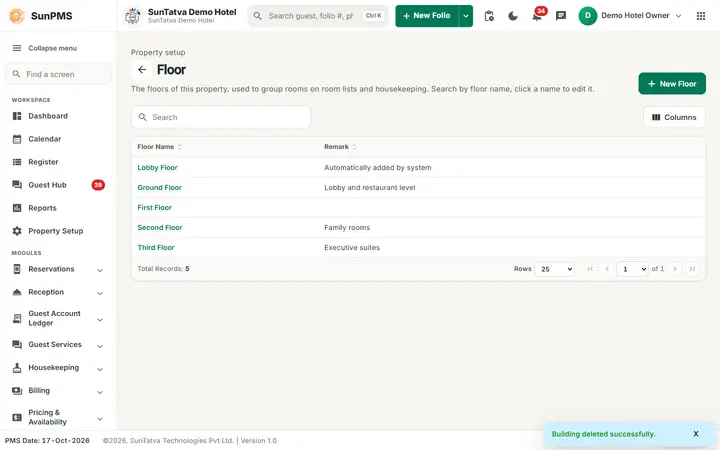
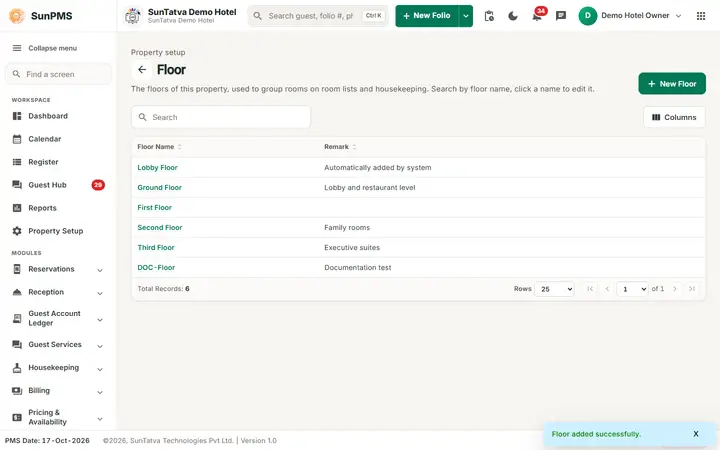
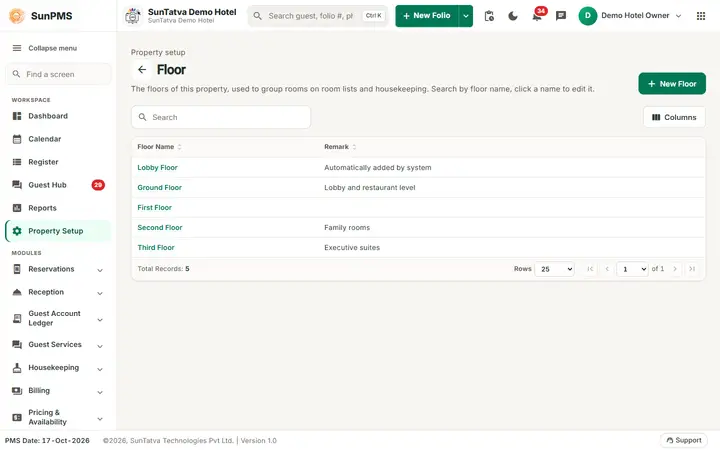
A floor is the level on which a room sits. The system creates one floor, Lobby Floor. Create the others (First Floor, Second Floor...) before you create rooms.
Before you start
- None. The card description says "Manage floors per building", but a floor is not linked to a building; the link is made on each room.
Screen layout
| Field / column / button | What it means | Rules |
|---|---|---|
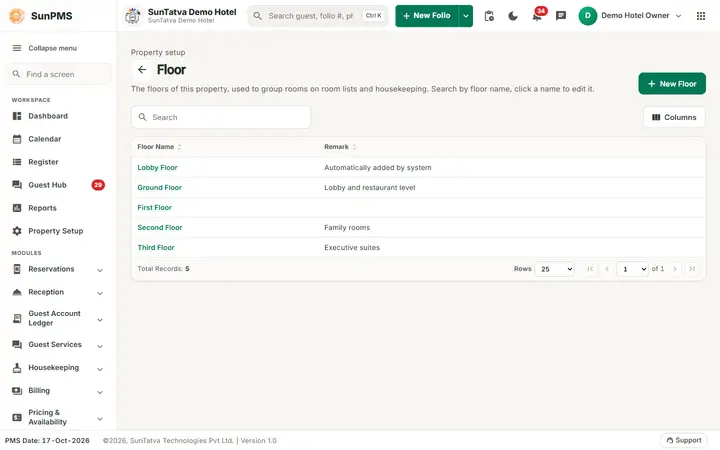
| Search | Filters by floor name while you type. | |
| Back arrow | Returns to Property Setup. | |
| New Floor (top right) | Opens the add window (title Add Floor). | |
| Columns | Side panel to hide, show or re-order columns. | |
| Floor Name column | Click the highlighted name to edit. Click the heading to sort. | |
| Remark column | Note. | |
| Footer | Total Records, Rows 25 / 50 / 100, first / previous / next / last page and page drop-down. | |
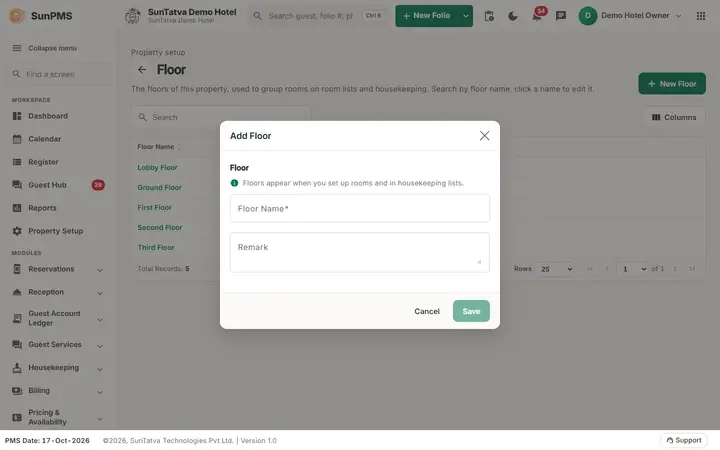
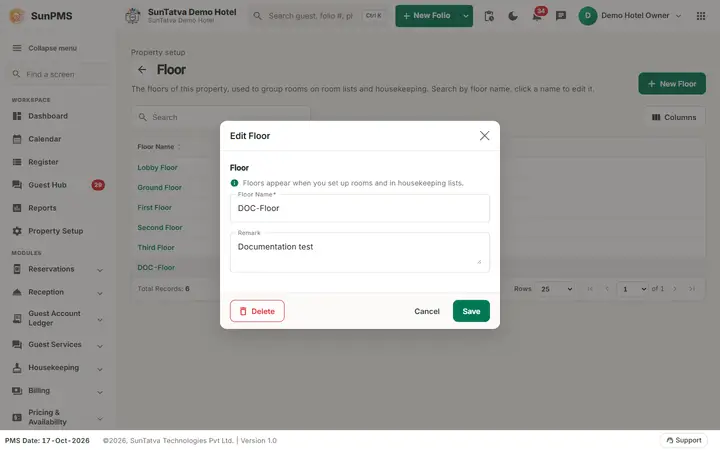
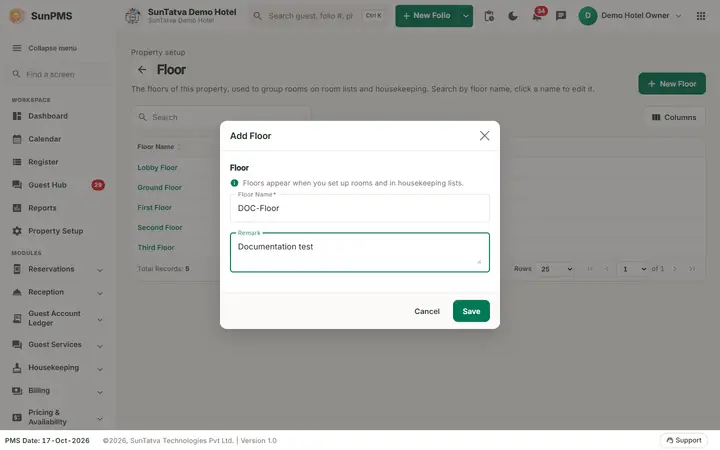
| Window section Floor (help: "Floors appear when you set up rooms and in housekeeping lists."): Floor Name | Name. | Required, must be unique. |
| Remark | Note. | Optional. |
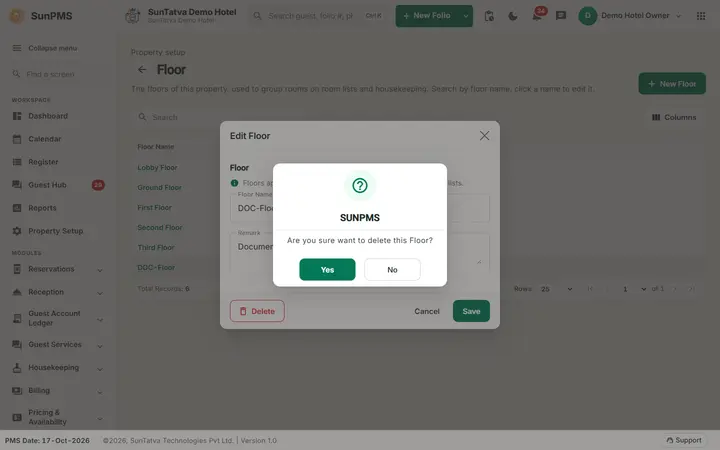
| Save, Cancel, Delete (window footer) | Delete (left) shows only when editing. |
How to add a floor
- Click New Floor.
- Enter Floor Name (and optional Remark).
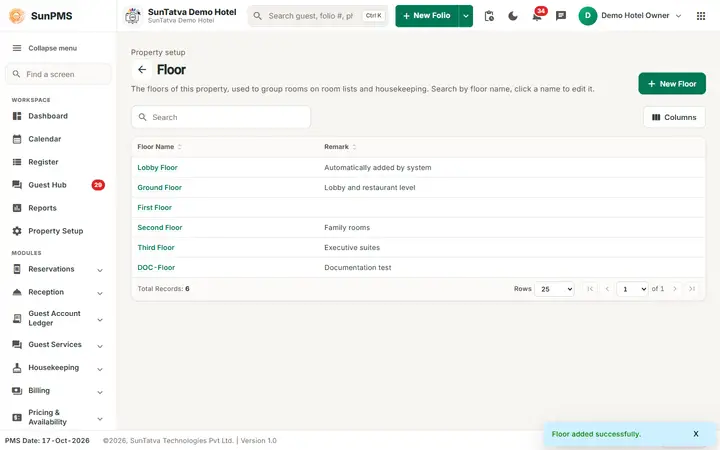
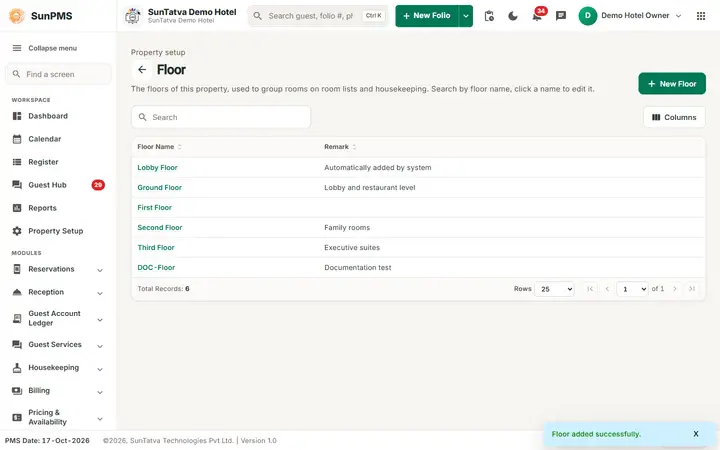
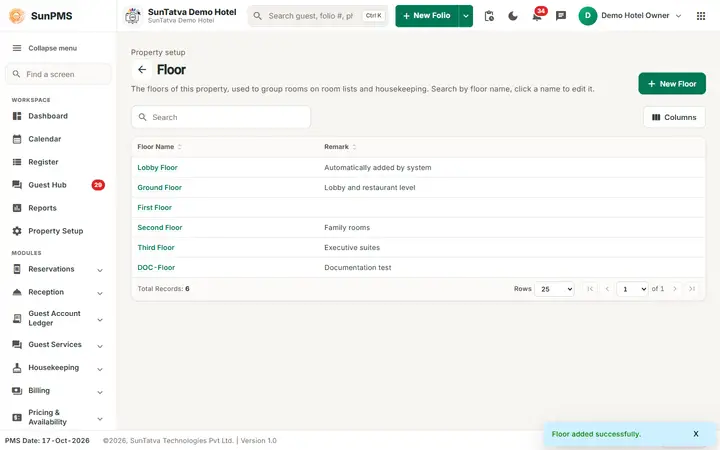
- Click Save. Result: Floor added successfully. and the window closes. Click New Floor again for the next one.
How to edit a floor
Click the floor name, change it, click Save. Message: Floor updated successfully.
How to delete a floor
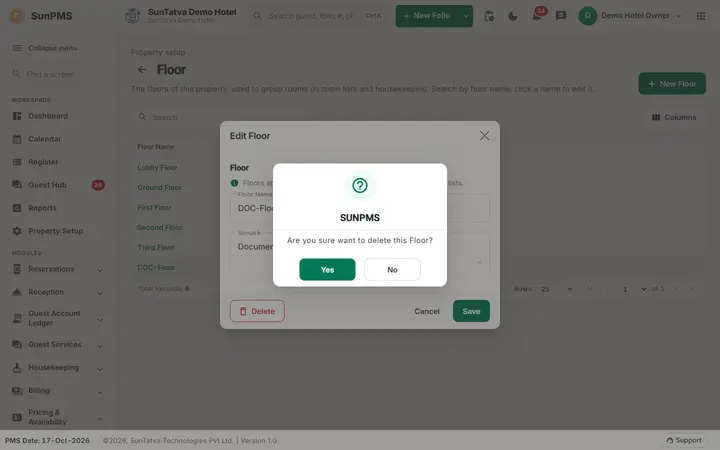
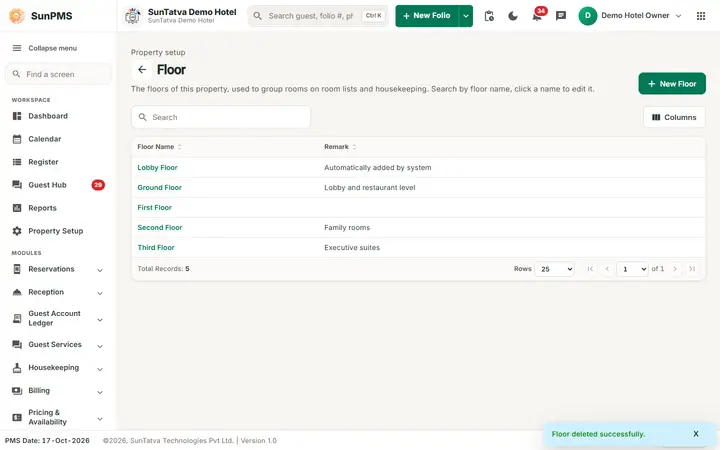
Open the floor, click Delete, confirm Are you sure want to delete this Floor? Message: Floor deleted successfully. PMS blocks the delete while an active room is on the floor or a stay uses one of its rooms.
What happens behind the scenes
Same soft-delete rule as buildings: the floor is made inactive from the PMS date and no longer appears in the Room drop-down.
Messages you may see
| Message (exact text) | Why it appears | What to do |
|---|---|---|
| Please enter Floor Name. | Name empty. | Enter a name. |
| Record Already Exist. | Duplicate name. | Choose another name. |
| This floor cannot be deleted because it has rooms or active reservations. Move or delete its rooms first. | Delete refused because rooms or stays use the floor. | Move or delete those rooms first. |
Tips and FAQ
- Q: How do I order floors? A: The list is sorted by creation order; click a heading to sort on screen.
Screenshots