Guest Conversations
On this page
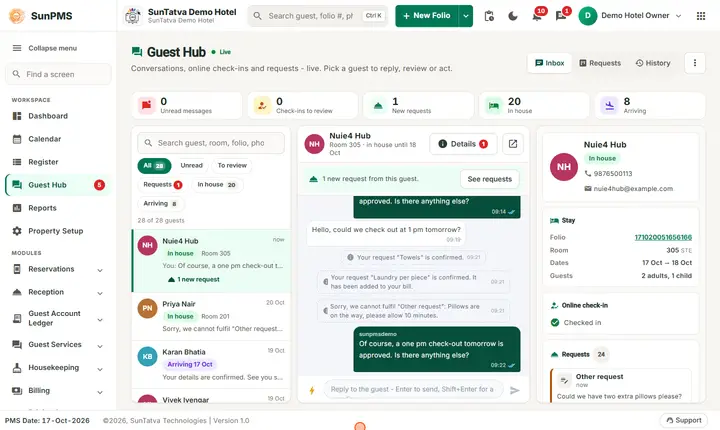
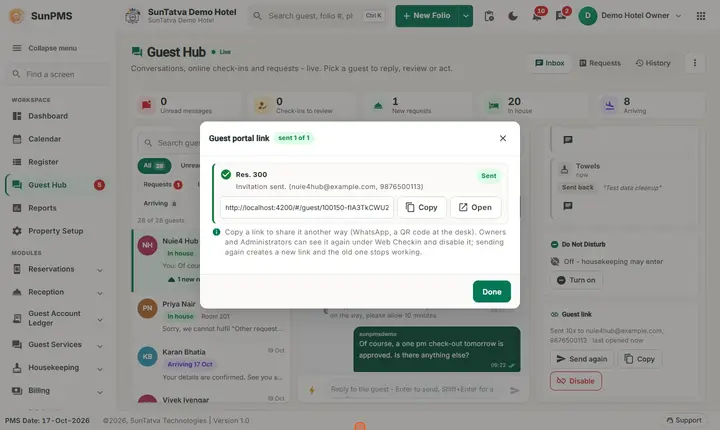
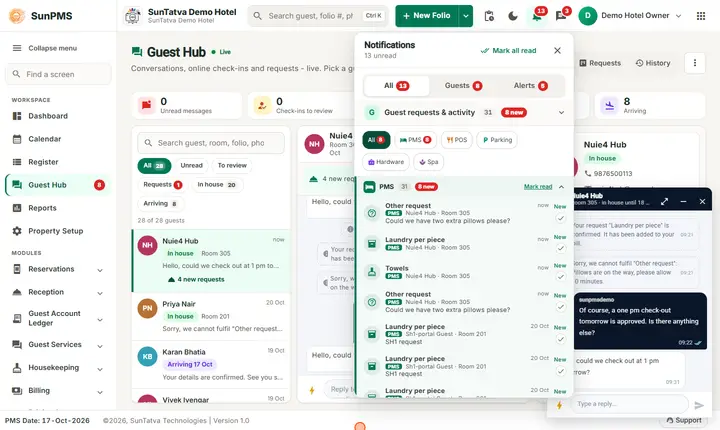
A list of every guest who has a portal link for a current or upcoming stay. From here you open a chat, review a submission, resend or copy a link, or disable a link. The Guest Hub is the richer inbox; this is the table version.
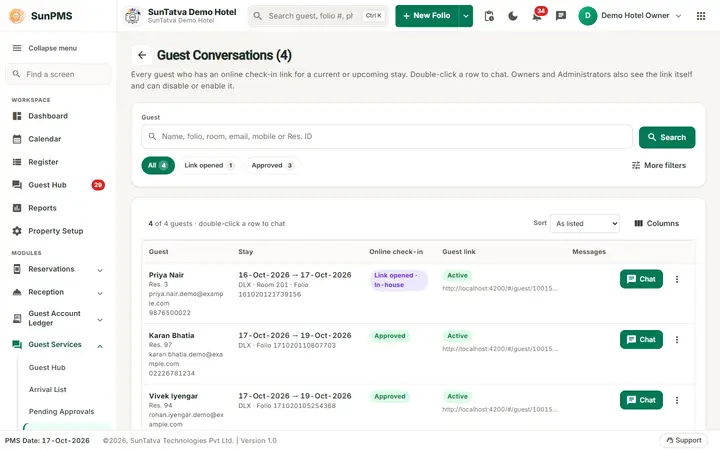
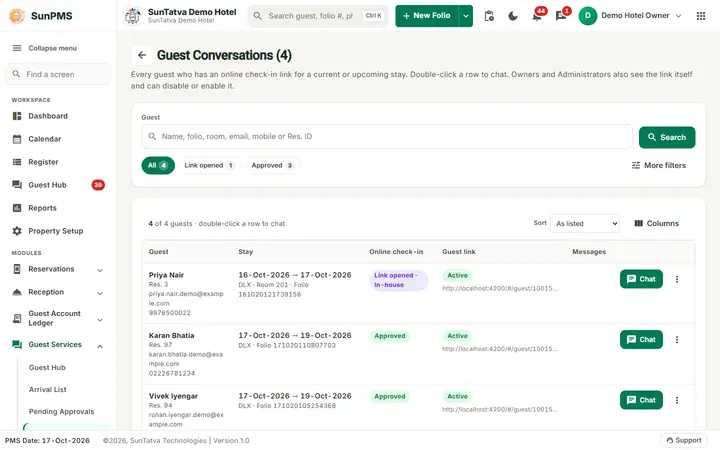
Guest Conversations: one row per guest with the online check-in status, the guest link and the Chat button.
Before you start
- Licence ONLINE_CHECKIN or GUEST_MODULE.
- Guests appear only after a link was sent or a conversation was started.
Screen layout
Title: Guest Conversations (N). The help line under it explains: every guest who has an online check-in link for a current or upcoming stay; double-click a row to chat; Owners and Administrators also see the link itself and can disable or enable it.
The page is laid out like the Arrival List, without the date: a search card (Guest: name, folio, room, e-mail, mobile or Res. ID; Search; stage chips such as All, Link opened, Approved with counts; More filters), then the list "n of m guests - double-click a row to chat" with Sort and Columns. Each row shows the guest (Res. ID, e-mail, mobile), the stay (dates, room type, room, folio), the Online Check-In stage chip, the Guest link state (the link itself for Owners and Administrators) and the Messages count with the WhatsApp number, plus a Chat or Review button and a three-dot menu.
Row menu:
| Action | When |
|---|---|
| Chat with guest | Always (double-click does the same). |
| Review submission | When the guest submitted. |
| Resend invitation (new link) | Always. |
| Copy guest link | Link known. |
| Disable link / Enable link | Owners and Administrators. |
How to chat with a guest
- Open Guest Services > Guest Conversations.
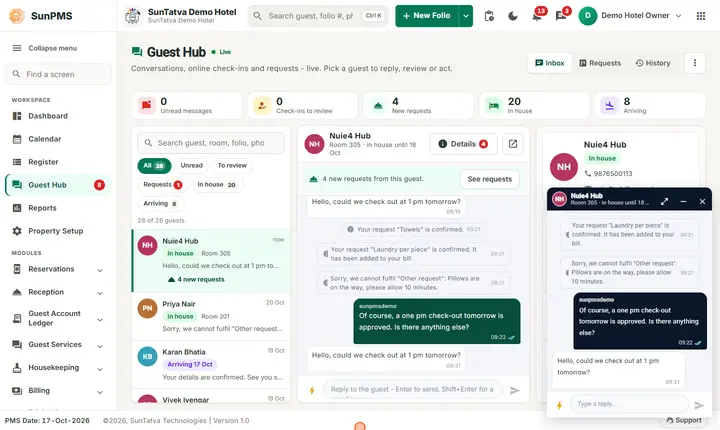
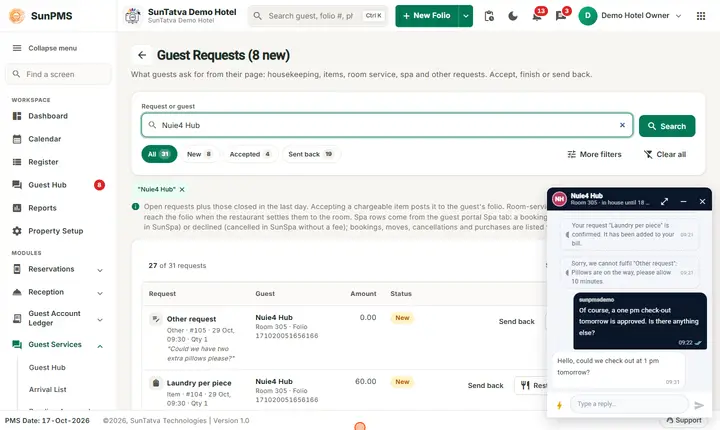
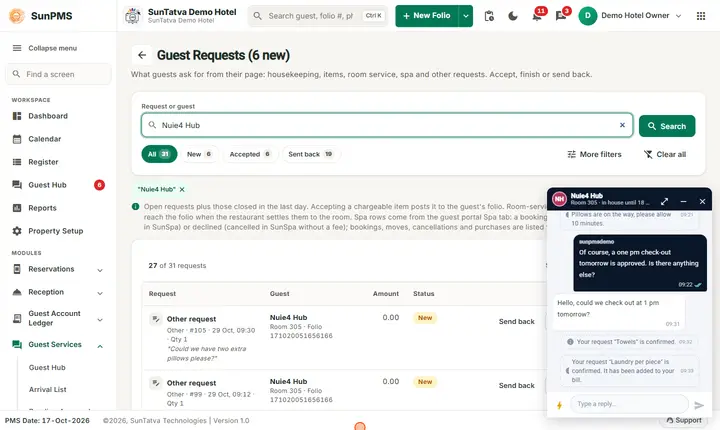
- Double-click the guest. A chat window docks at the bottom of the page.
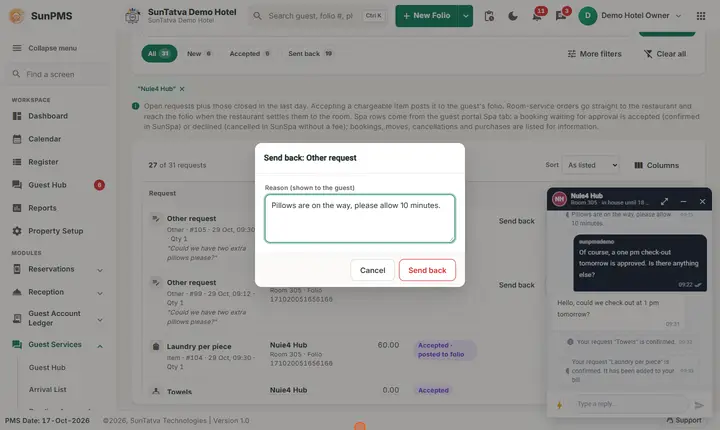
- Type and press Enter. Use the lightning button for quick replies. Result: the guest receives it live or by push, WhatsApp, e-mail or text. Use the expand icon on the docked window to open it in the Guest Hub, the minus to minimise, the cross to close.
How to resend or disable a link
Use the row menu: Resend invitation (new link) (the old link stops working) or Disable link (confirm Disable this guest's link? It stops working immediately; you can enable it again later.).
What happens behind the scenes
The list refreshes by itself when a guest writes or submits. Chat windows are shared with every other Guest Services screen.
Messages you may see
| Message | Why | What to do |
|---|---|---|
| Could not load the list. | Loading failed | Reload. |
| Link disabled / Link enabled | Link status changed | - |
| The guest link could not be sent. | Resend failed | Check contact details and retry. |
Tips and FAQ
- Q: Where are guests who are checked out? A: Only current and upcoming stays. Use History in the Guest Hub for older chats.
- Q: I do not see the link column. A: It is shown only to Owners and Administrators.
Screenshots