House Keeping Group
On this page
A housekeeping group is a team of housekeepers (for example "Morning shift" or "Tower A"). Rooms and tasks are assigned to groups and their members. Only users who have the Housekeeper role can be group members.
Before you start
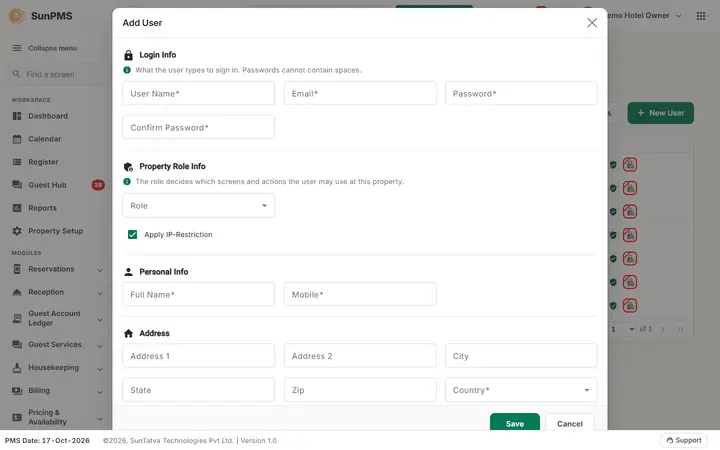
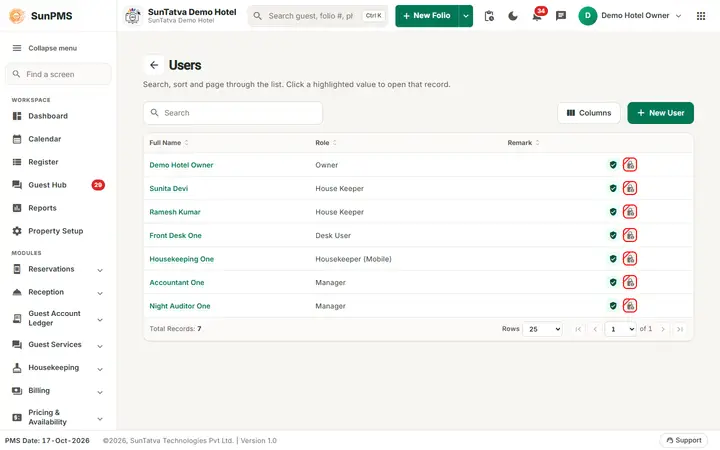
- Create the housekeeping staff as users with the housekeeping role (Property Setup > User & Access > User).
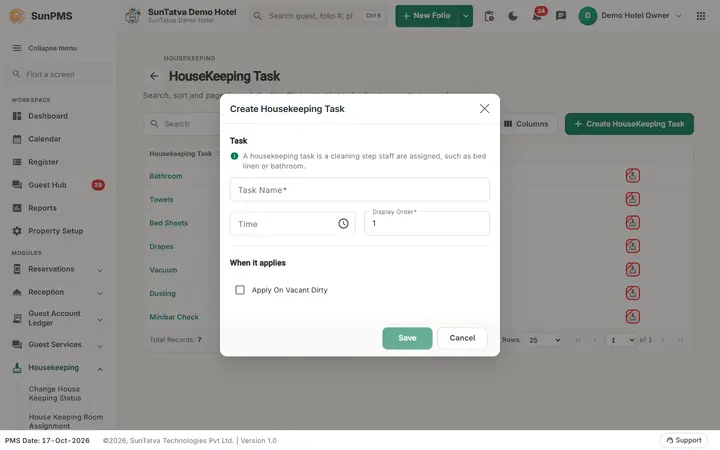
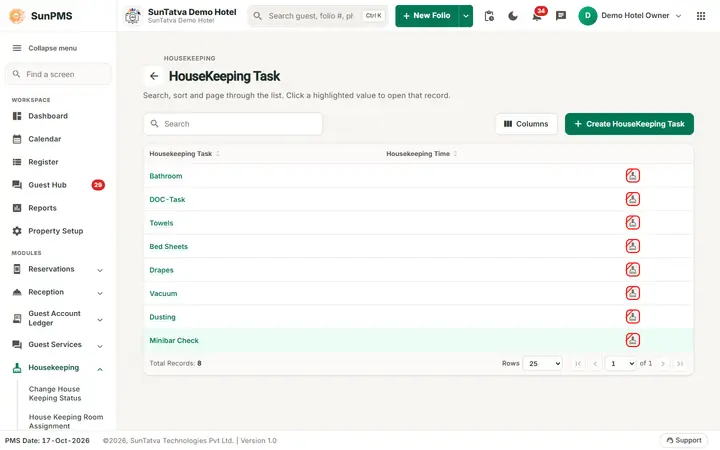
- Create the tasks (11-hk-task.md) if you will give tasks to members afterwards.
Screen layout (list)
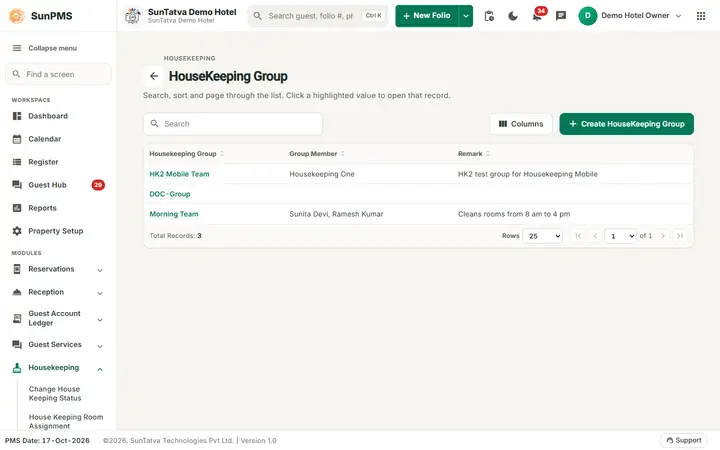
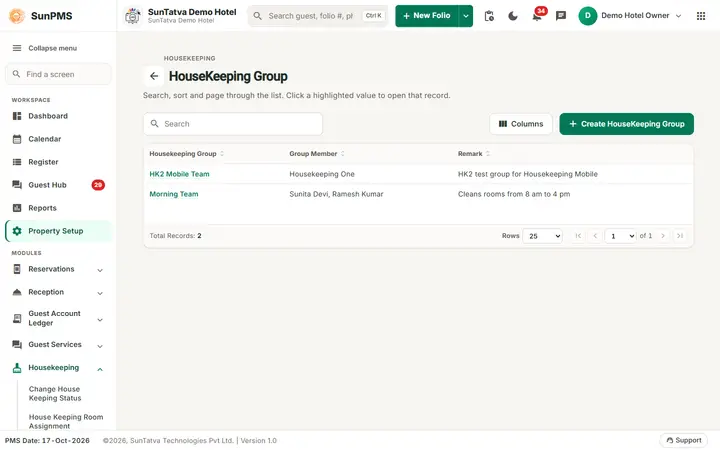
This screen follows the common master layout described in Property Setup (section "Master screens: one pattern"): a header with the back arrow, the title, a one-line explanation and the main button on the right; a Search box and a Columns button above a sortable table; a footer with Total Records, Rows and page buttons; and an add / edit window with Delete (left, only when editing), Cancel and Save. Specific to this screen:
| Element | Meaning |
|---|---|
| Search | By group name or member name. |
| Create HouseKeeping Group (top right) | Opens Create Housekeeping Group. The small grey line above the title reads HOUSEKEEPING. |
| Housekeeping Group | Click the highlighted name to edit (Edit Housekeeping Group). |
| Group Member | Comma list of member names. |
| Remark | Note. |
Screen layout (window)
| Field | Meaning | Rules |
|---|---|---|
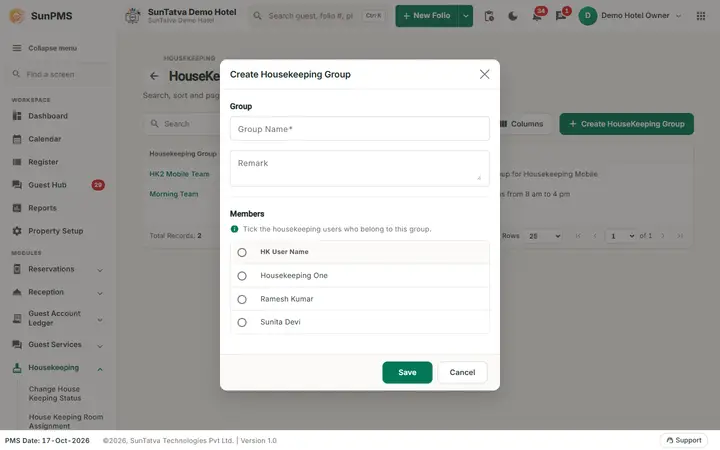
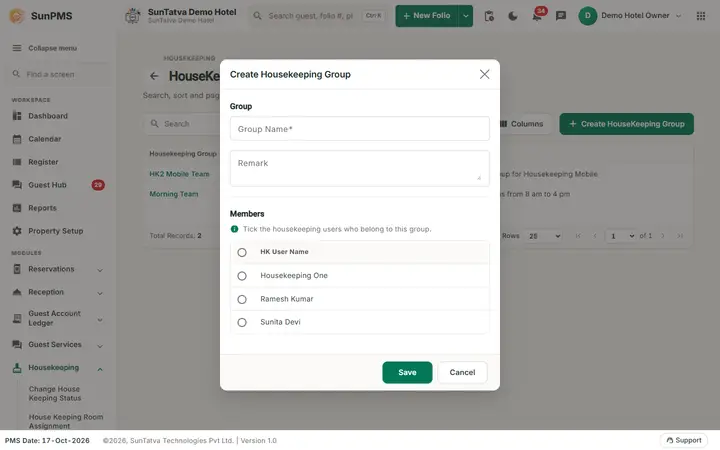
| Window section Group: Group Name | Name of the team. | Required, up to 100 characters, unique. |
| Remark | Note. | Up to 512 characters. |
| Section Members ("Tick the housekeeping users who belong to this group."): HK User Name table | Active housekeeping users in alphabetical order with a tick box each. The header tick selects or clears all. | Tick the members of this group. |
| Save, Cancel, Delete | Delete only when editing. |
How to create a group
- Click Create HouseKeeping Group.
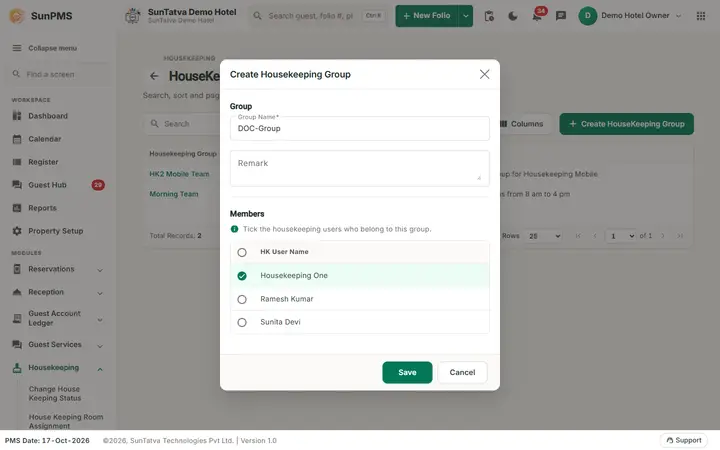
- Enter Group Name (and optional Remark).
- Tick the housekeepers who belong to the group.
- Click Save. Result: message House Keeping Group saved successfully. and the window resets for another group; click Cancel to leave.
How to edit
Click the group name, change the name or the ticked members, Save. Members you untick are removed from the group (and their tasks in it).
How to delete
Open the group, Delete, confirm Are you sure want to delete House Keeping Task? (the wording says Task but it deletes the group). Message House Keeping Group deleted successfully.
What happens behind the scenes
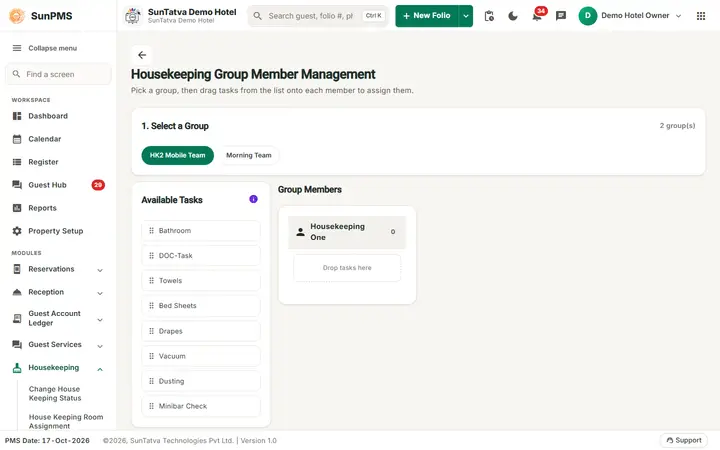
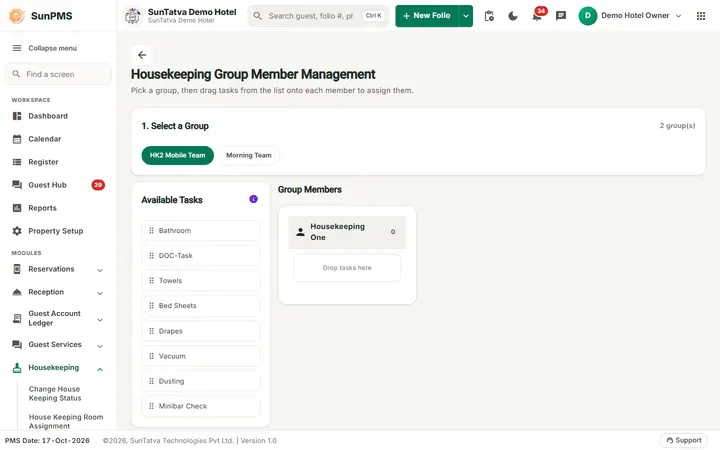
Groups feed the House Keeping Room Assignment screen and the housekeeping report. Task assignments per member are made in Member Assignment.
Messages you may see
| Message (exact text) | Why it appears | What to do |
|---|---|---|
| Please enter House Keeping Group Name. | Name empty. | Type it. |
| Record Already Exist. | Duplicate group name. | Rename. |
| No record found! | No active housekeeping user exists. | Create housekeeper users first. |
Tips and FAQ
- Q: A housekeeper is missing from the list. A: The user must be active and have the housekeeper role.
Screenshots