Assign Transaction Privileges
On this page
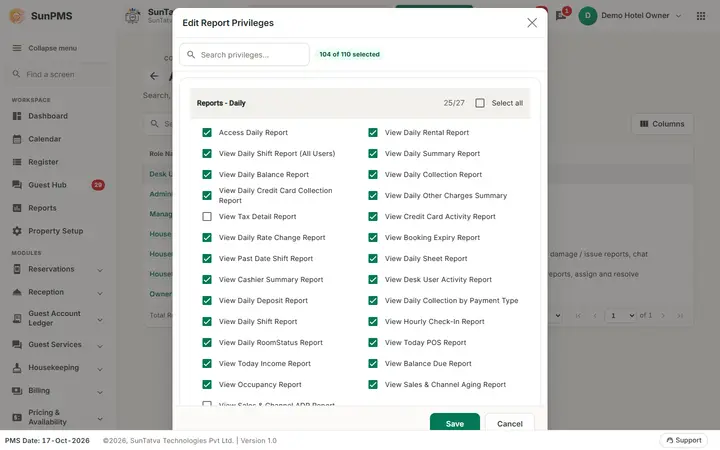
Tick which non-report actions each role may perform: system management, navigation, reservations, payments, refunds, other charges, Sales & Channels, restrictions, guest data, extras and mobile access. (Reports use Assign Report Privileges.)
Screen layout
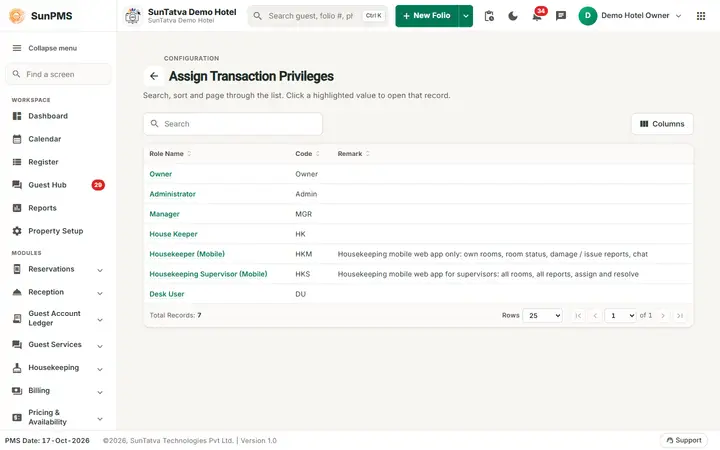
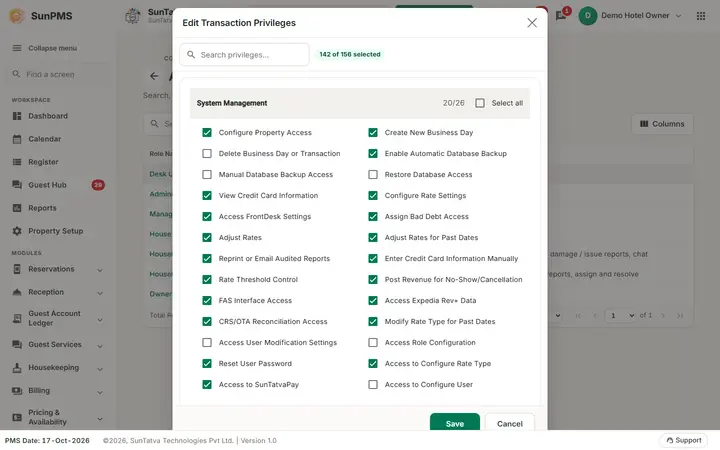
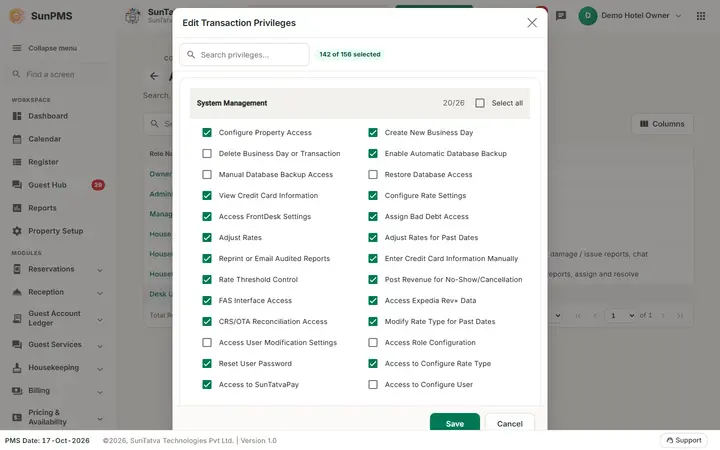
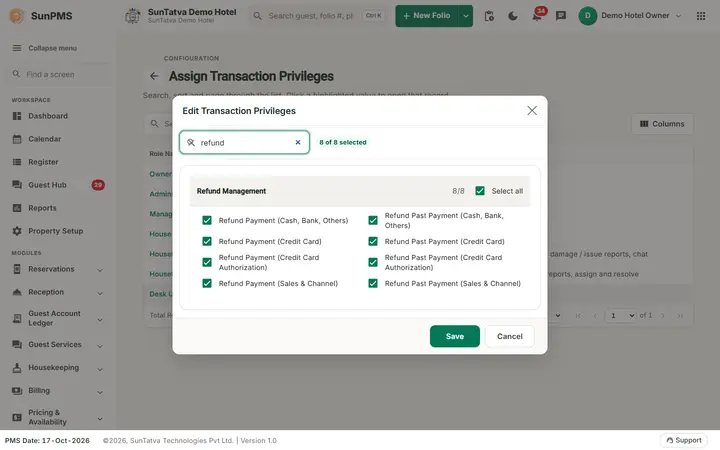
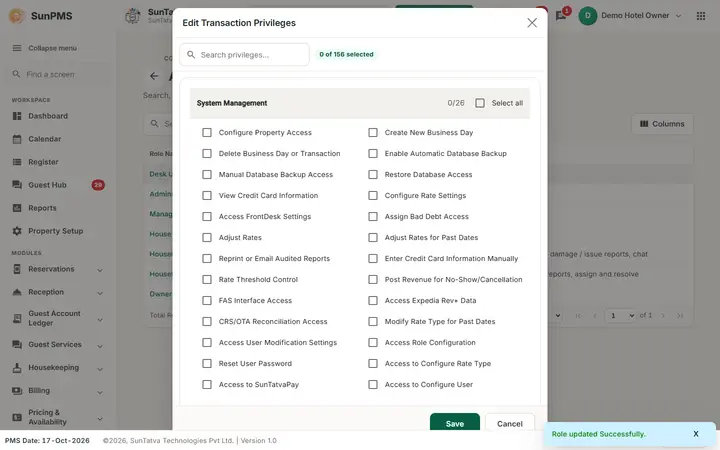
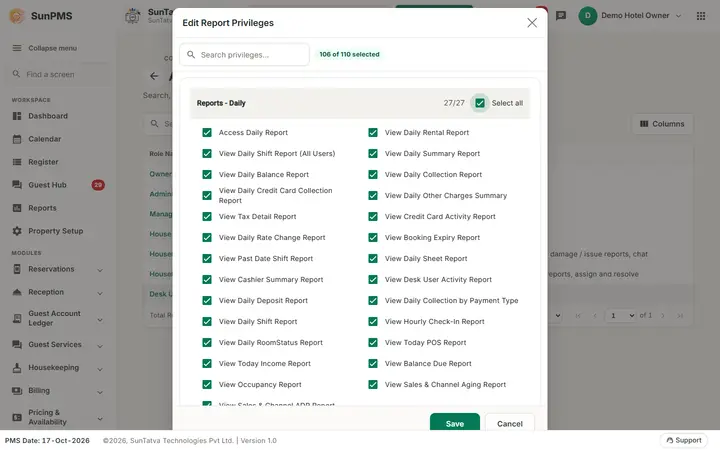
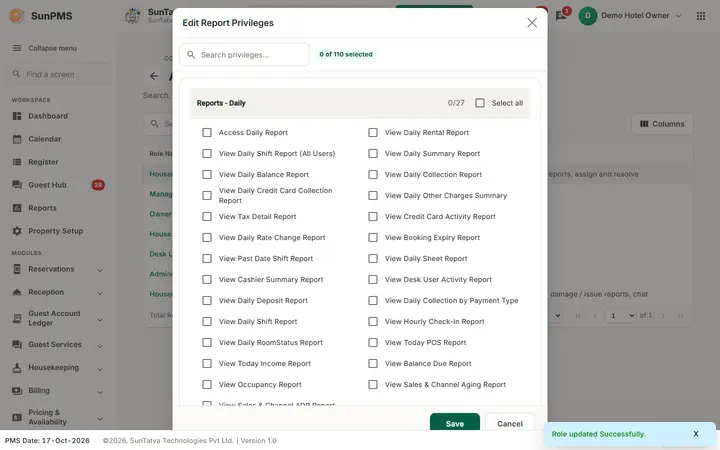
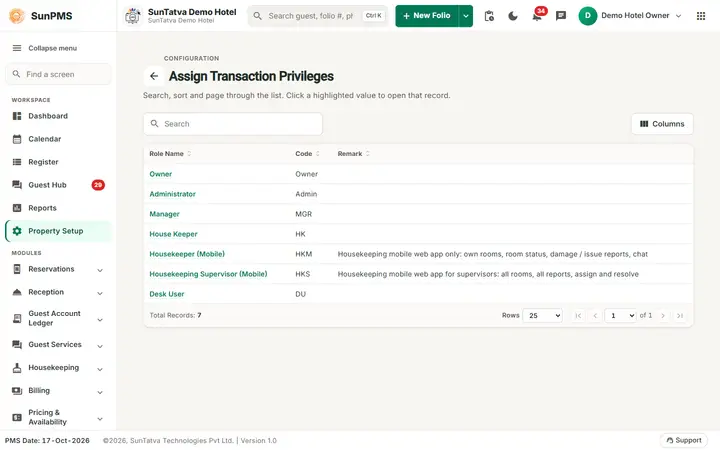
List: Role Name, Code, Remark with Search and Columns (back arrow and title Assign Transaction Privileges above). No create or delete button. Window "Edit Transaction Privileges": a sticky bar at the top with the Search privileges... box (the x clears it) and a running counter such as 12 of 140 selected; No Data Found when nothing matches; one card per module (System Management, Navigation, Transaction Control, Utility Tools, Reservation & Check-In, Payments & Refunds, Other Charges, Sales & Channel Management, Restriction, Guest Master Data, Miscellaneous Income/Expense, Refund Management, Mobile Access, Guest Services...). Each card has a header tick box to select or clear the whole module and one tick box per privilege. "No Data Found" shows when the search matches nothing. Buttons Save, Cancel. The full list with meaning is in Privilege Reference.
How to assign
- Click the role name.
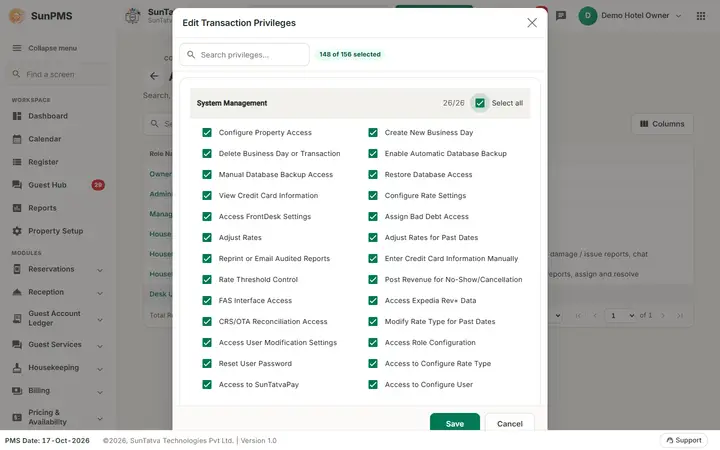
- Tick or clear privileges (use the search box to find one; each module card has its own Select all tick box and an "x/y" count of ticked privileges).
- Click Save. Result: "Role updated Successfully." Report privileges of the role are kept as they were.
What happens behind the scenes
The role's privilege list is replaced by the selection (transaction + report ticks together). Users with that role get the change on next login. Saving with no privilege at all gives "Please check Privilege.".
Messages you may see
| Message | Why |
|---|---|
| Please check Privilege. | Nothing ticked in either list |
| Role updated Successfully. | Saved |
Tips and FAQ
- Q: Undo/Redo privileges are missing. A: They show only when the property has the Undo/Redo licence.
- Q: I ticked a box but the user cannot see the change. A: They must log out and in.
Screenshots