Housekeeping Report
Prints (PDF) or exports (Excel) the cleaning sheet of each housekeeper in a group: rooms, status, tasks to do, remarks, and optionally guest name and pets.
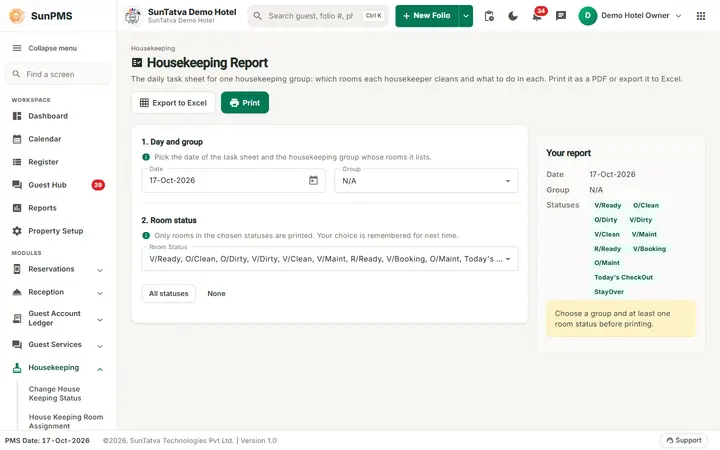
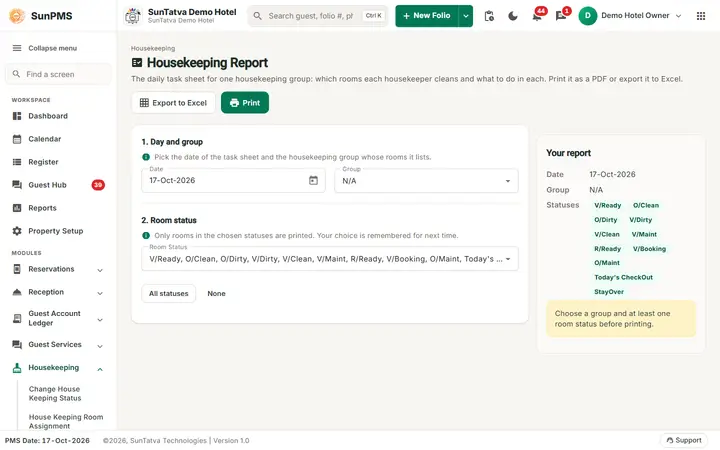
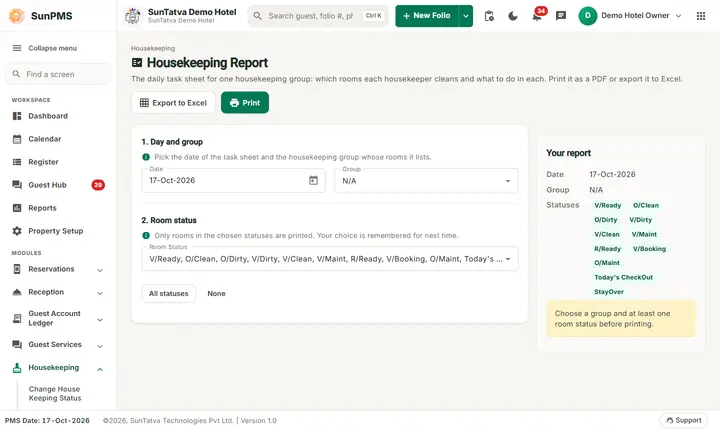
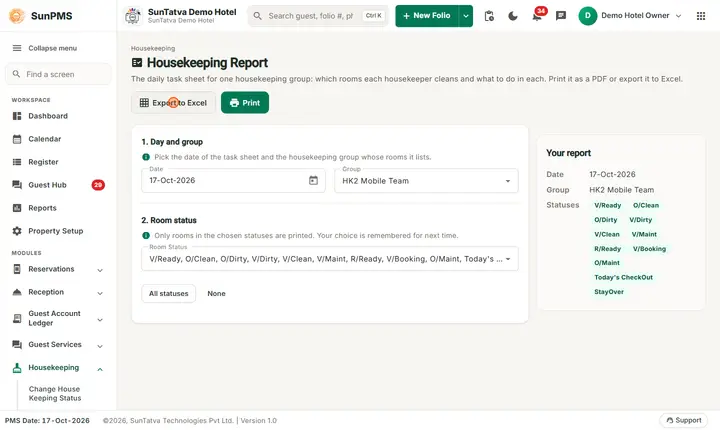
The Housekeeping Report screen: choose the day, the housekeeping group and the room statuses, then print or export.
Before you start
- Rooms must be assigned to the group members (Room assignment).
Screen layout
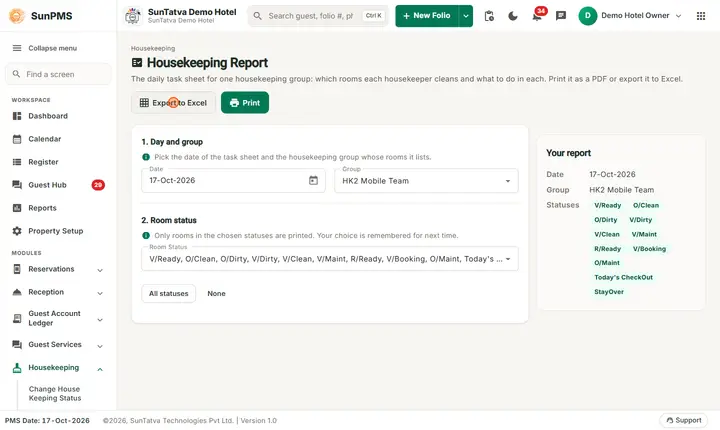
A short guide under the title and two buttons at the top: Export to Excel and Print (creates the PDF).
| Field | Rules |
|---|---|
| 1. Day and group: Date | Between the minimum date and the PMS date; default PMS date. |
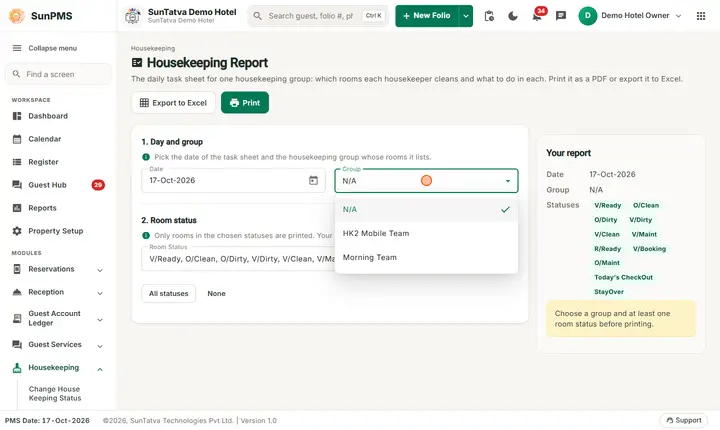
| Group | Required (shows N/A until you pick one). |
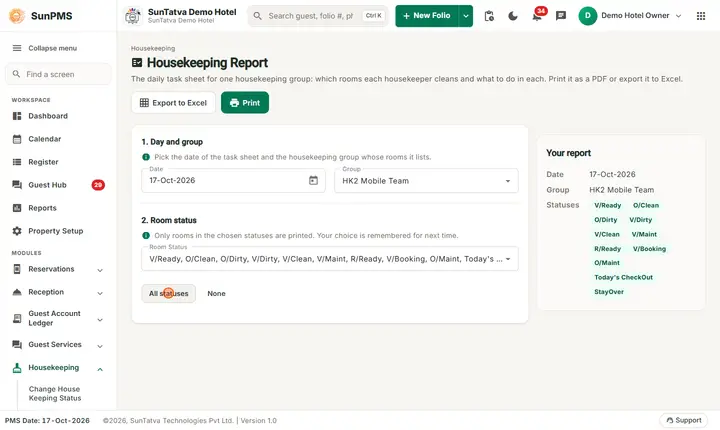
| 2. Room status (multi-select) | V/Ready, O/Clean, O/Dirty, V/Dirty, V/Clean, V/Maint, R/Ready, V/Booking, O/Maint, Today's CheckOut, StayOver. At least one needed; remembered for next time. When you have no saved choice, all statuses are ticked by default. The buttons All statuses and None tick or clear them all. |
| Your report panel (right) | Summary of the chosen date, group and statuses, with a hint (Choose a group and at least one room status before printing.) until the choice is complete. |
Excel columns: Sr No., Room, Room Type, Status, Custom Status, one column per housekeeping task (blank = do, N/A = not applicable), Remark (when any remark exists), Guest Name (if the report setting shows it), No of Pet (if enabled). Each member gets a header with group, staff name and blank lines for time in/out and breaks.
How to print
- Choose Date, Group, statuses.
- Click Print. The PDF opens in a new tab. Export to Excel downloads the same sheet as a workbook.
Messages you may see
| Message | Why |
|---|---|
| Please select House Keeping Group. | No group chosen. |
| No Group Member found. | The group has no members. |
| Please select atleast one Room Status. | Status list empty. |
Tips and FAQ
- Q: Guest name is not on the sheet. A: Turn on the setting that shows guest name in the housekeeping report.
Screenshots