Housekeeping Mobile - My reports
On this page
Shows the reports the housekeeper sent (or that are assigned to them) with their status, and lets them follow the answer.
Screen layout
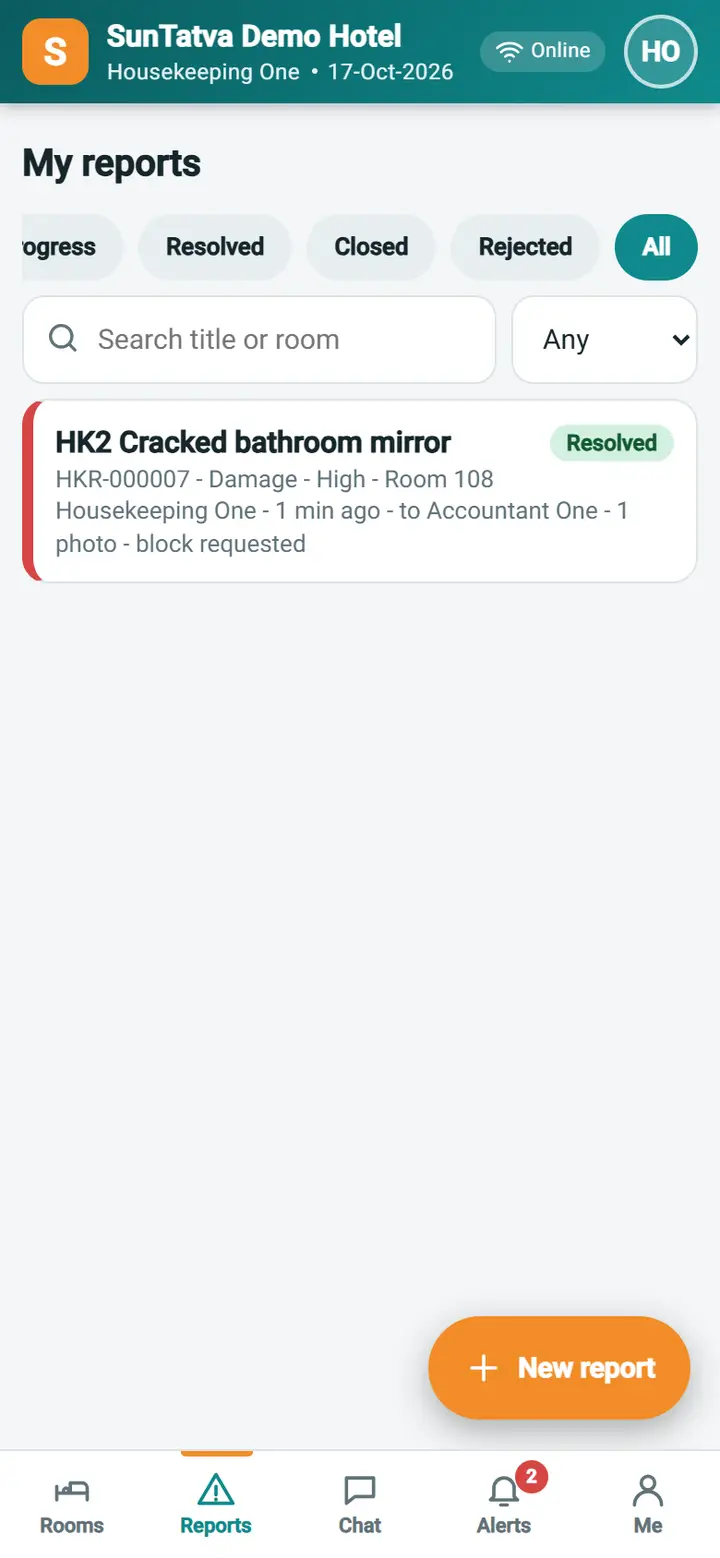
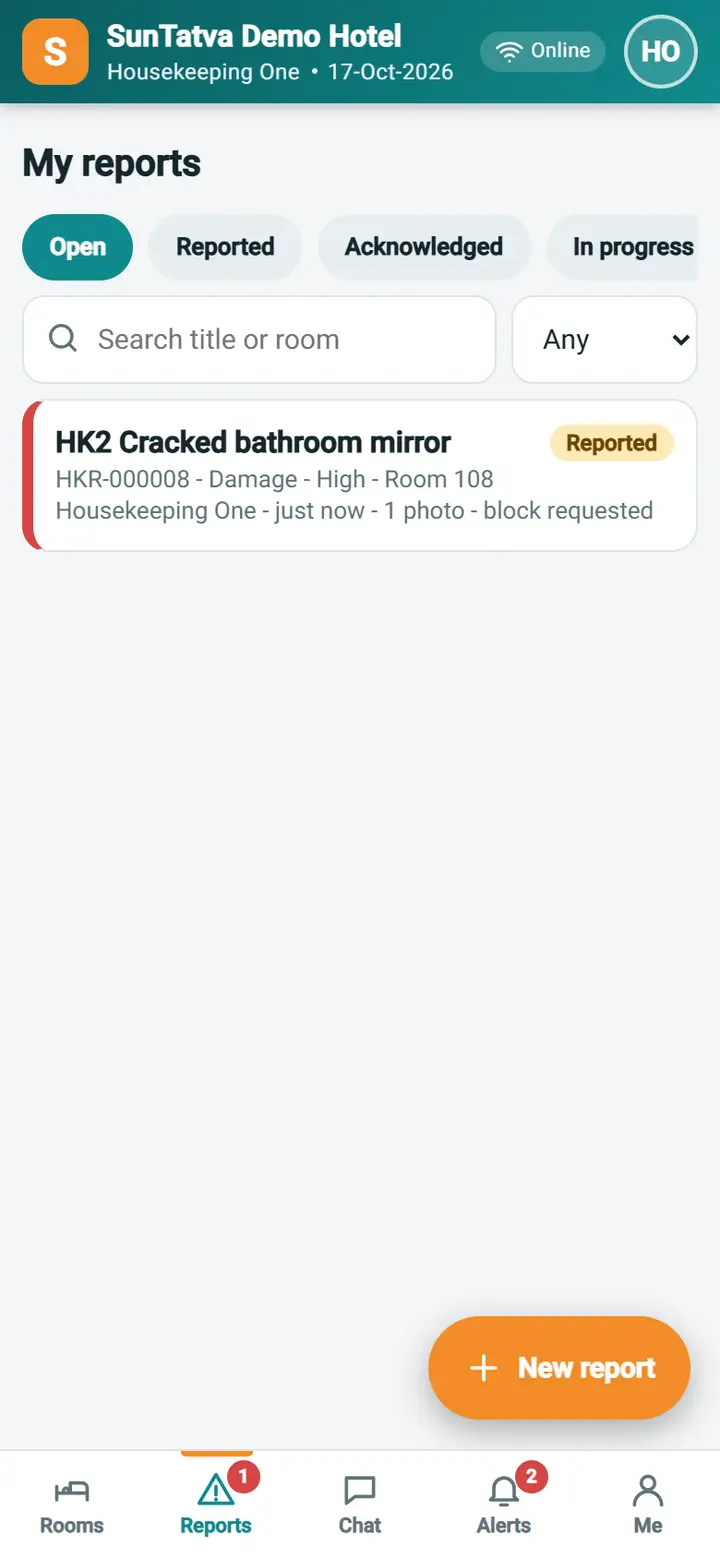
| Item | Meaning |
|---|---|
| Chips Open, Reported, Acknowledged, In progress, Resolved, Closed, Rejected, All | Filter by status; Open = Reported, Acknowledged and In progress |
| Search / severity list | Find by title or room; filter by seriousness |
| Report card | Title, status chip, number, category, seriousness, room or place, who and when, photo and comment counts, "block requested" |
| New report button | Opens Report an issue |
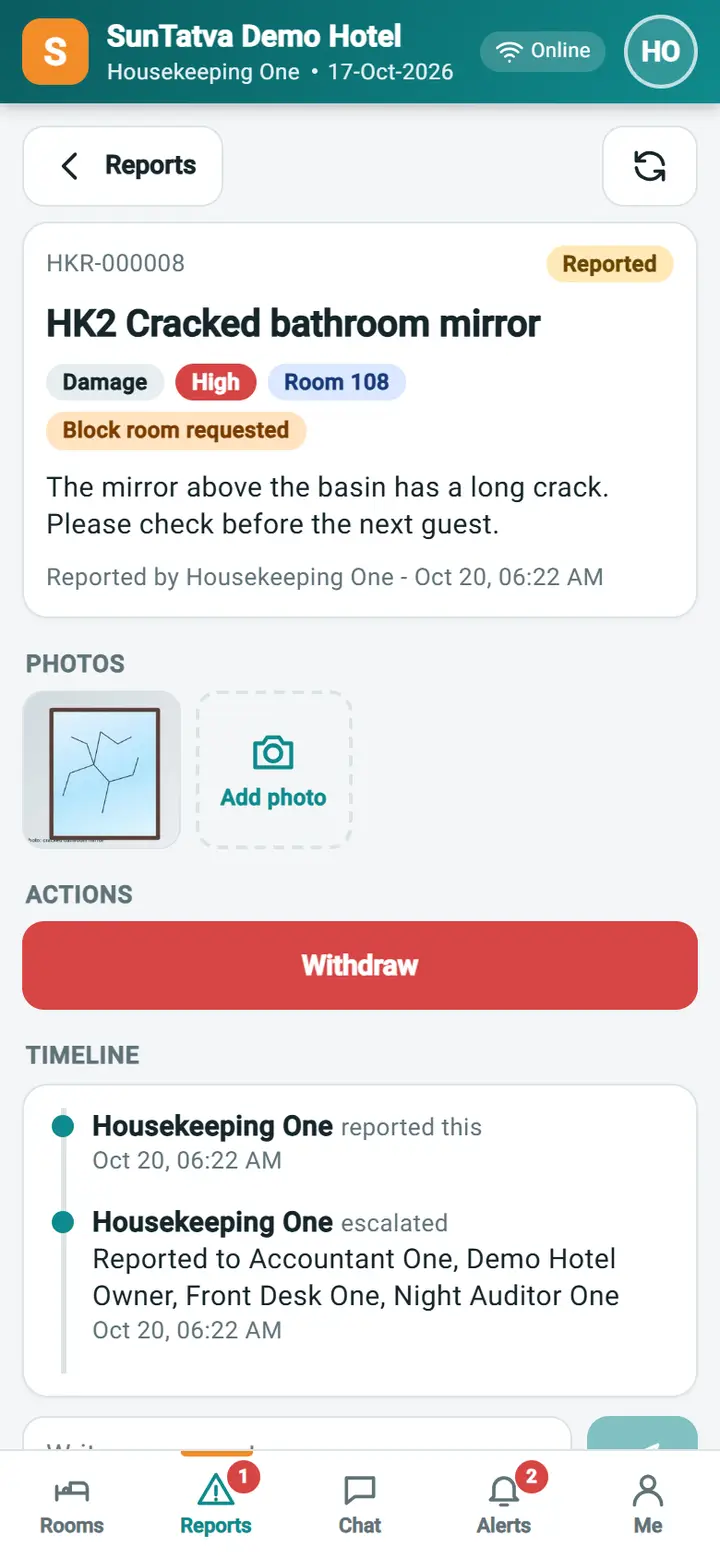
Tap a card for the report page:
| Item | Meaning |
|---|---|
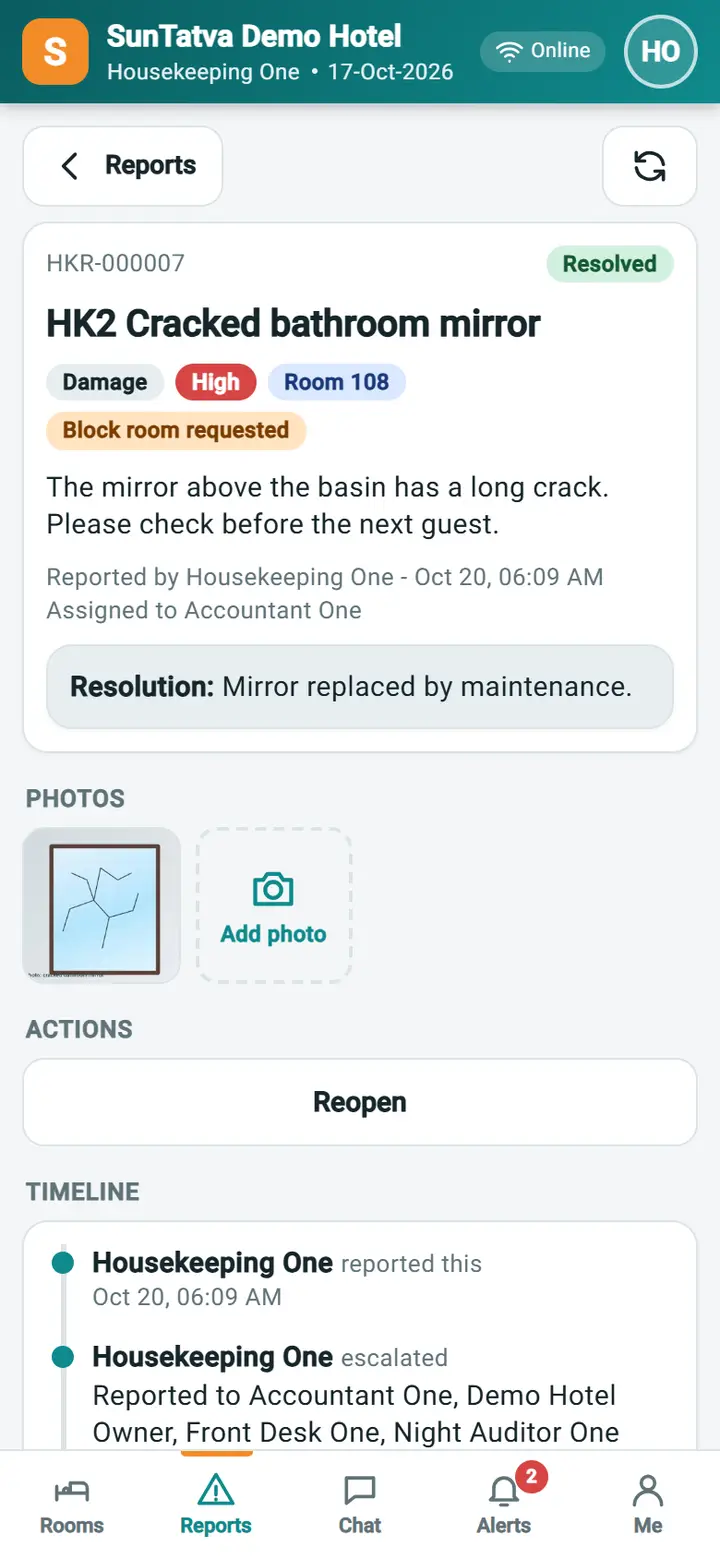
| Header | Number, status, title, category, seriousness, room, "Block room requested", details, who reported and when, who it is assigned to, and the resolution note once resolved |
| Photos | Thumbnails; tap one to see it large. Add photo adds more (reporter and assignee) |
| Actions | Only the actions allowed for you now: Withdraw (reporter, while still Reported), Reopen (reporter within 7 days of Resolved, Closed or Rejected; a note is required) |
| Timeline | Each step: reported, status changes, assignments, comments, photos, with who and when |
| Comment box | Write a comment; the supervisor and assignee are notified |
How to follow a report
- Open Reports; the Open chip is selected.
- Tap the report. The status chip shows where it is: Reported (nobody has looked yet), Acknowledged, In progress, Resolved (read the resolution note), Closed or Rejected (read the reason in the timeline).
- If more is needed, write a comment or tap Add photo.
- If the problem came back, tap Reopen, type why, and Confirm.
What happens behind the scenes
Every change adds a line to the timeline and an alert to the reporter and the assignee (Alerts tab and the bell). Alerts open the report directly.
Messages you may see
| Message | Why | What to do |
|---|---|---|
| No reports here | Nothing matches the chip | Choose All or send a report |
| Photo added. | Upload worked | None |
| The action was saved | None | |
| You do not have access to this. | The role lacks the privilege | Ask the manager |
Screenshots