Ip White List
On this page
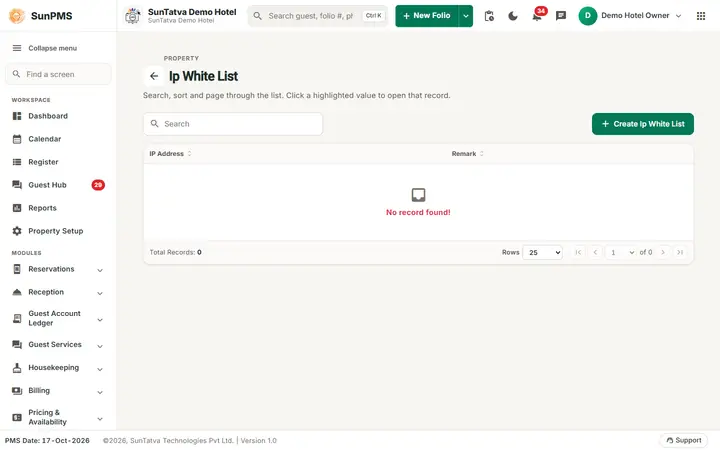
Lists the IP addresses from which restricted users may log in. If a user has Apply IP-Restriction ticked (see User), they can sign in only from an address on this list. The list belongs to your whole group of properties.
Screen layout
| Column / field | Meaning | Rules |
|---|---|---|
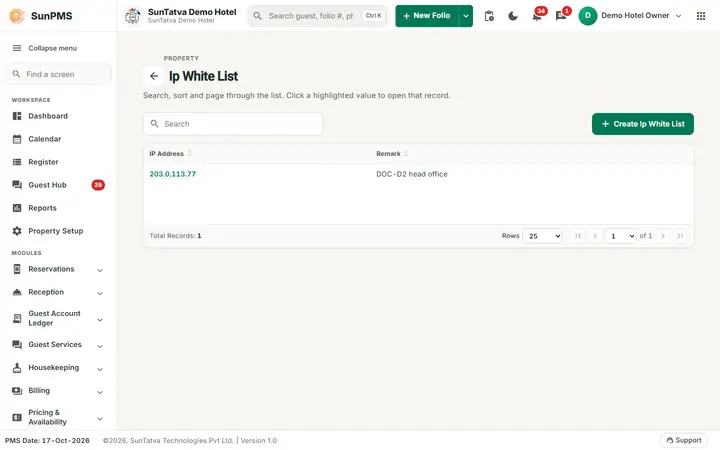
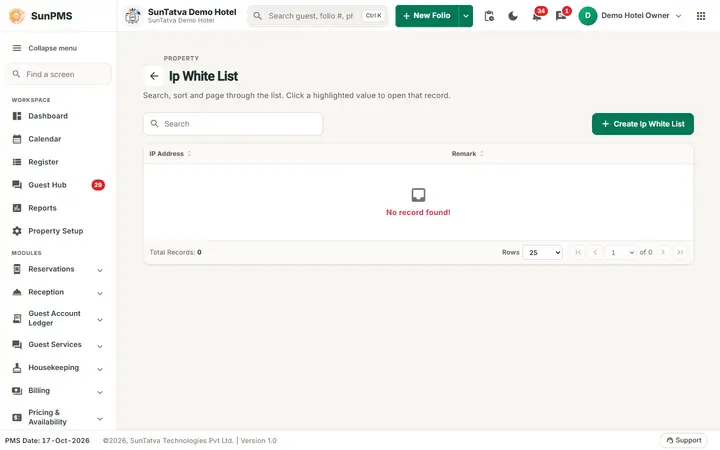
| Header | The back arrow, the title Ip White List (small grey line PROPERTY above it), the Search box and Create Ip White List (top right). With no address the list shows No record found!. | |
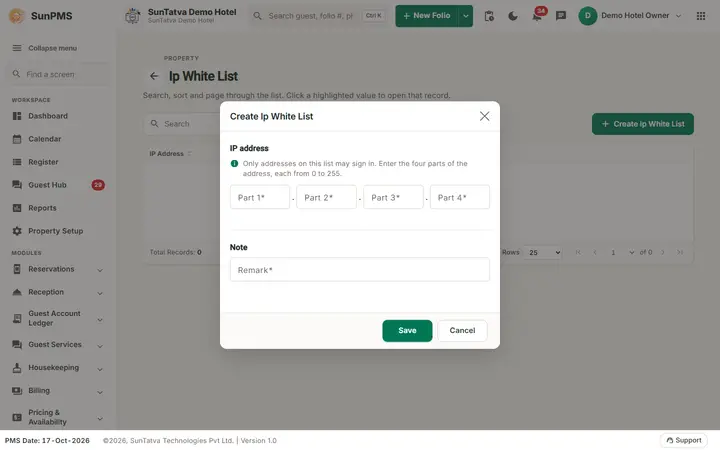
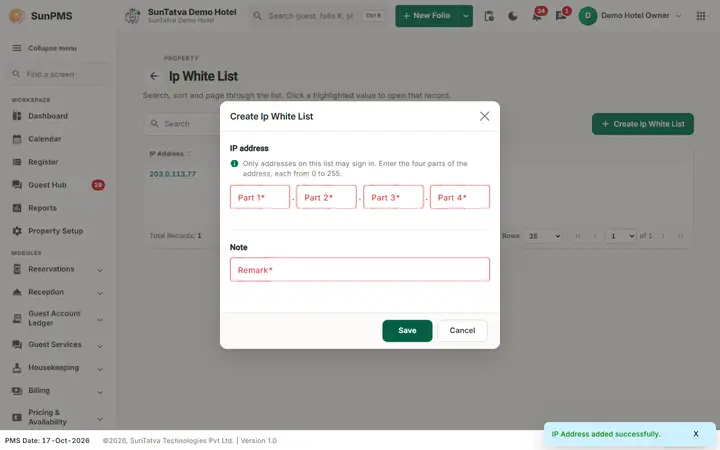
| IP Address | Address (click to open) | Window section IP address ("Only addresses on this list may sign in. Enter the four parts of the address, each from 0 to 255."): four boxes Part 1 to Part 4 (placeholder 255), digits only |
| Remark | Note (window section Note) | Required |
| Create Ip White List | Opens the add window | |
| Save / Cancel / Delete | Save when adding; Delete when opened from the list |
How to add an address
- Click Create Ip White List.
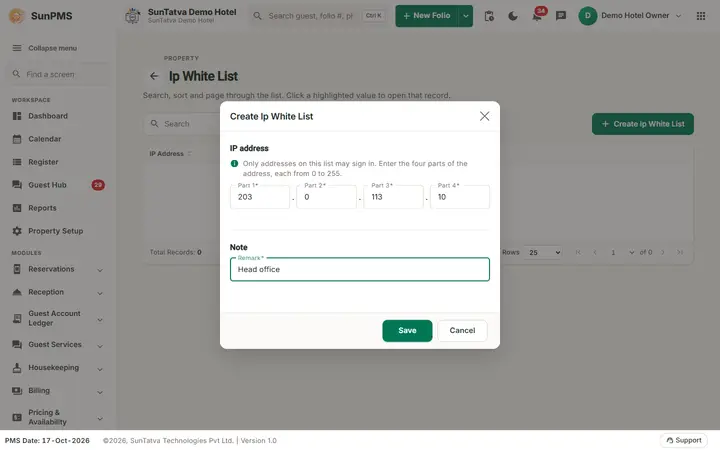
- Type the four parts of the address (for example 203. 0. 113. 10).
- Type a Remark.
- Click Save: "IP Address added successfully."
How to delete
Click the address, click Delete, confirm "Are you sure want to delete this ip White List?" -> "IP Address deleted successfully."
What happens behind the scenes
Stored in the central sign-in system per group property. Login checks the caller's IP against it for restricted users.
Messages you may see
| Message | Why |
|---|---|
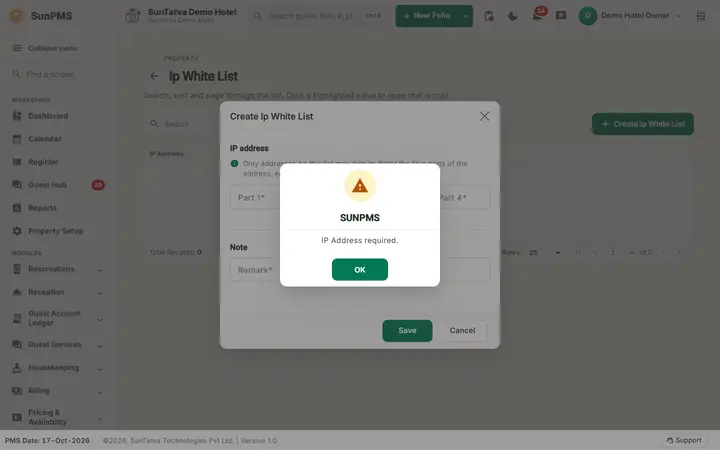
| IP Address required. | Address empty |
| IP Address Remark required. | Remark empty |
| IP Address is not valid. | Not a valid IPv4 address |
Tips and FAQ
- Q: A user is locked out from a new location. A: Add that location's public IP here, or clear the user's Apply IP-Restriction box.
Screenshots