
Integrations
Channel manager and OTA integration for SunPMS
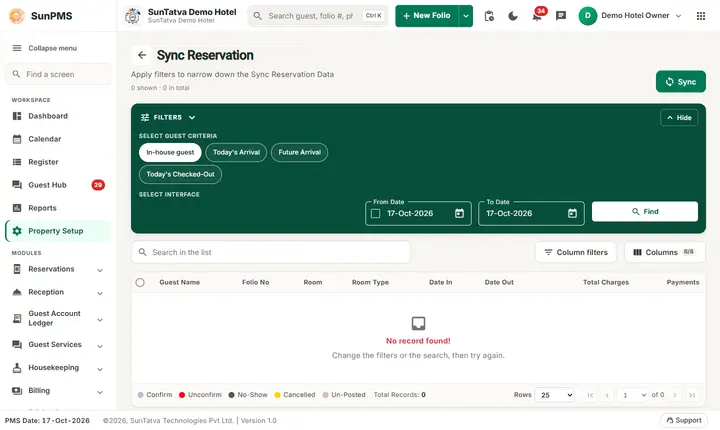
SunPMS does not sell your rooms on online travel agencies by itself. A connected CRS or channel manager does that, and SunPMS keeps it informed. The connection is automatic, with sync screens for first-time loading and repair.
Frequently asked questions
I clicked Sync and saw a success message but the OTA did not change.
The message means "queued". Wait a few minutes, then check the history in CRS Bulk Update. If the status is Processing Failed, open CRS Result for the reason.
I cannot see the CRS Settings group in Property Setup.
They appear only when the property is connected to a CRS. Contact SunTatva support to activate it.
Is it safe to sync twice?
Yes. A sync sends the current values again; it does not add or remove rooms.
Report to OTA is greyed out.
Reconcile first, and there must be at least one discrepancy.
A discrepancy row has no check box.
Its departure date is outside the current reporting month; handle it with the OTA directly.
Which engines can I post to?
The screen sends Expedia for engine 2 and Booking.com for all other engines.
See SunPMS with your own hotel in mind
Request a walkthrough and we will show the screens your team will use every day.